Account password in 2Done: set or change your sign-in password
Password settings let you create or change the password used for account access. A saved password belongs to your account rather than to a shared workspace.
What this feature does
Password settings let you create or change the password used for account access. A saved password belongs to your account rather than to a shared workspace.
How to use it
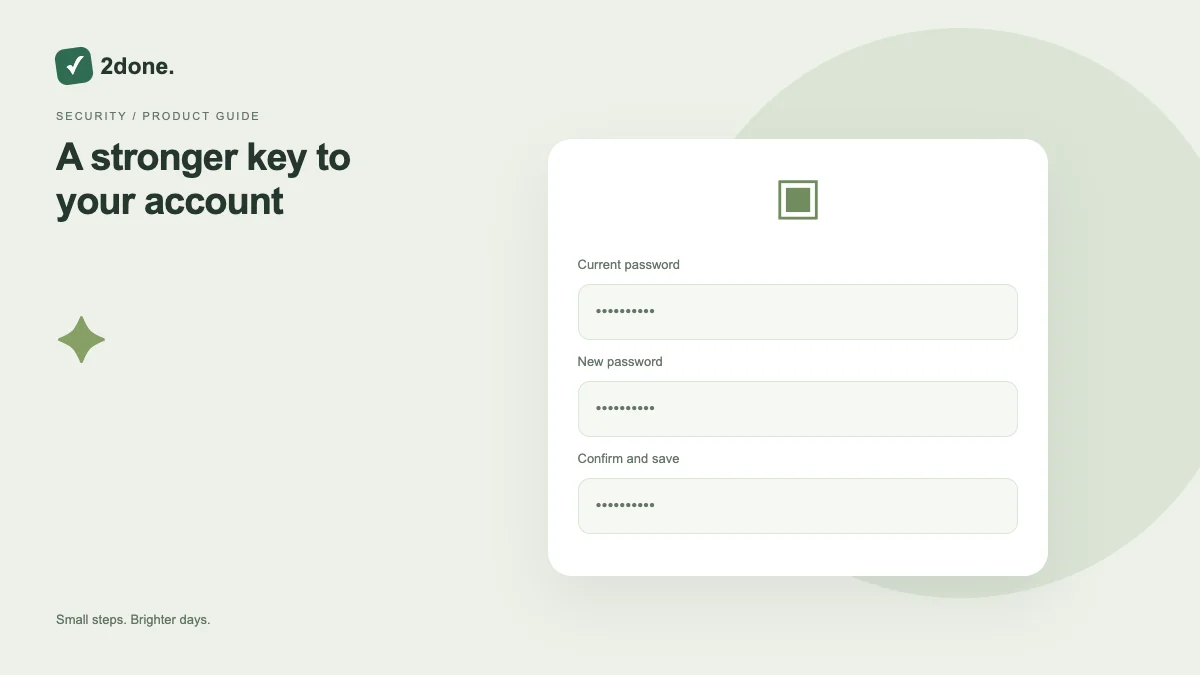
Open password settings. If the account already has a password, enter the current one. Choose a new password within the displayed 8–128 character range, confirm it and wait for the saved confirmation.
A practical example
After using an initial sign-in method, set a strong unique password if you want password-based access. Keep it in a password manager rather than a shared task or note.
What to know before you start
A password change does not change workspace roles, subscription allowances or reminder preferences. Never send your password to a teammate to grant access to a space.
Troubleshooting
If saving fails, check the current password, matching confirmation and length. Preserve account access and use the available sign-in recovery flow rather than repeatedly guessing.
Sources & further reading
Keep reading
 Planning
How to plan your day with a task list you can finish
A practical 2Done workflow for capturing tasks, choosing a realistic today list and reviewing unfinished work without losing it.
Read article ↗ How-to guides
Due dates vs reminders: set the right one for each task
Understand deadlines, one-time alerts and recurring reminders in 2Done, with a checklist for notifications that do not arrive.
Read article ↗