From a thought to your next step.
Talk with Doneh, create images and videos in Studio, keep ideas in Notebook, and plan what’s next in Tasks.
Create, organize, and follow through.
Create and edit in Studio, take notes in Notebook, and track what’s next in Tasks.

Image creation
Turn a prompt or reference image into campaign art, an illustration, or a visual concept.

Video creation
Turn a scene description or a still image into a short video clip.

Video editing
Trim clips, compose a sequence and export a finished video in your browser.
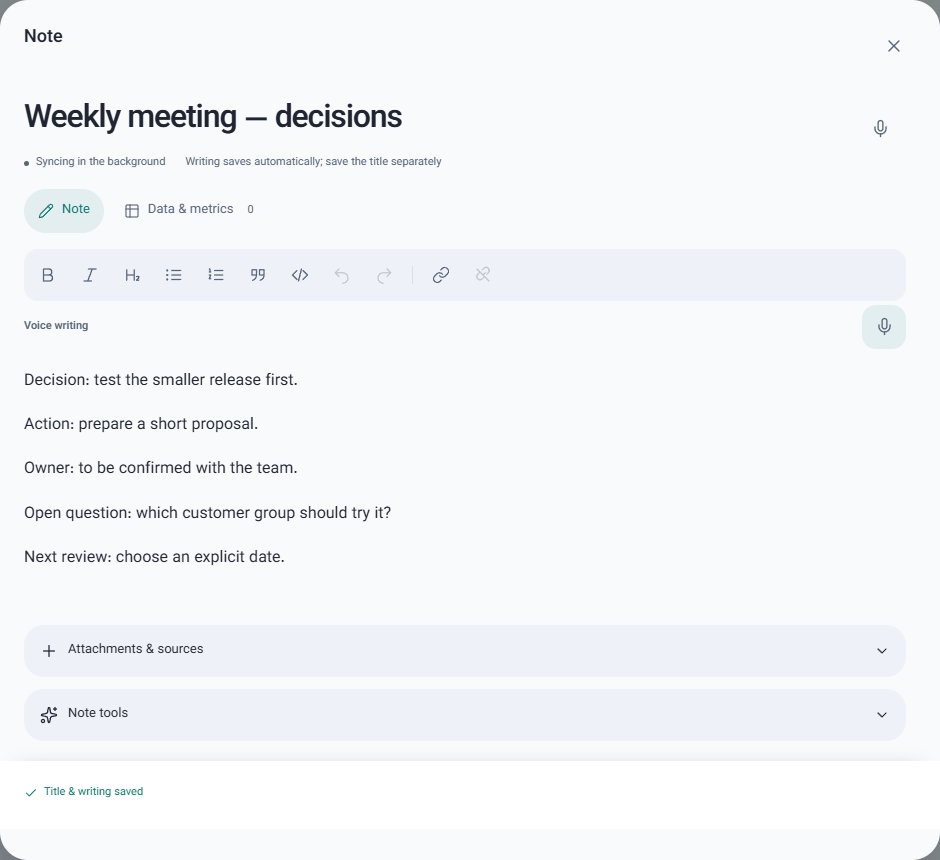
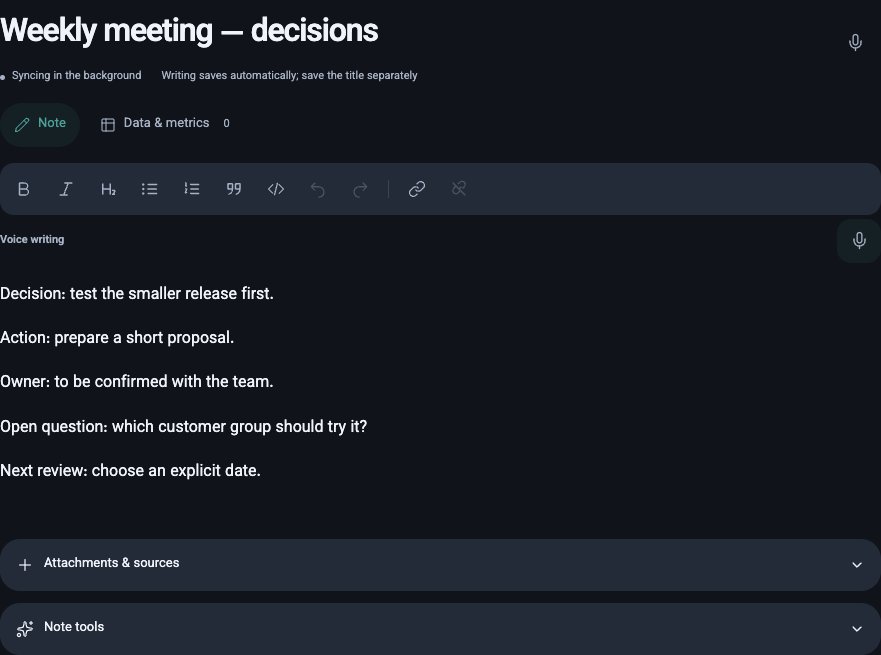
Note taking
Capture ideas, meeting decisions and research in an organized notebook.
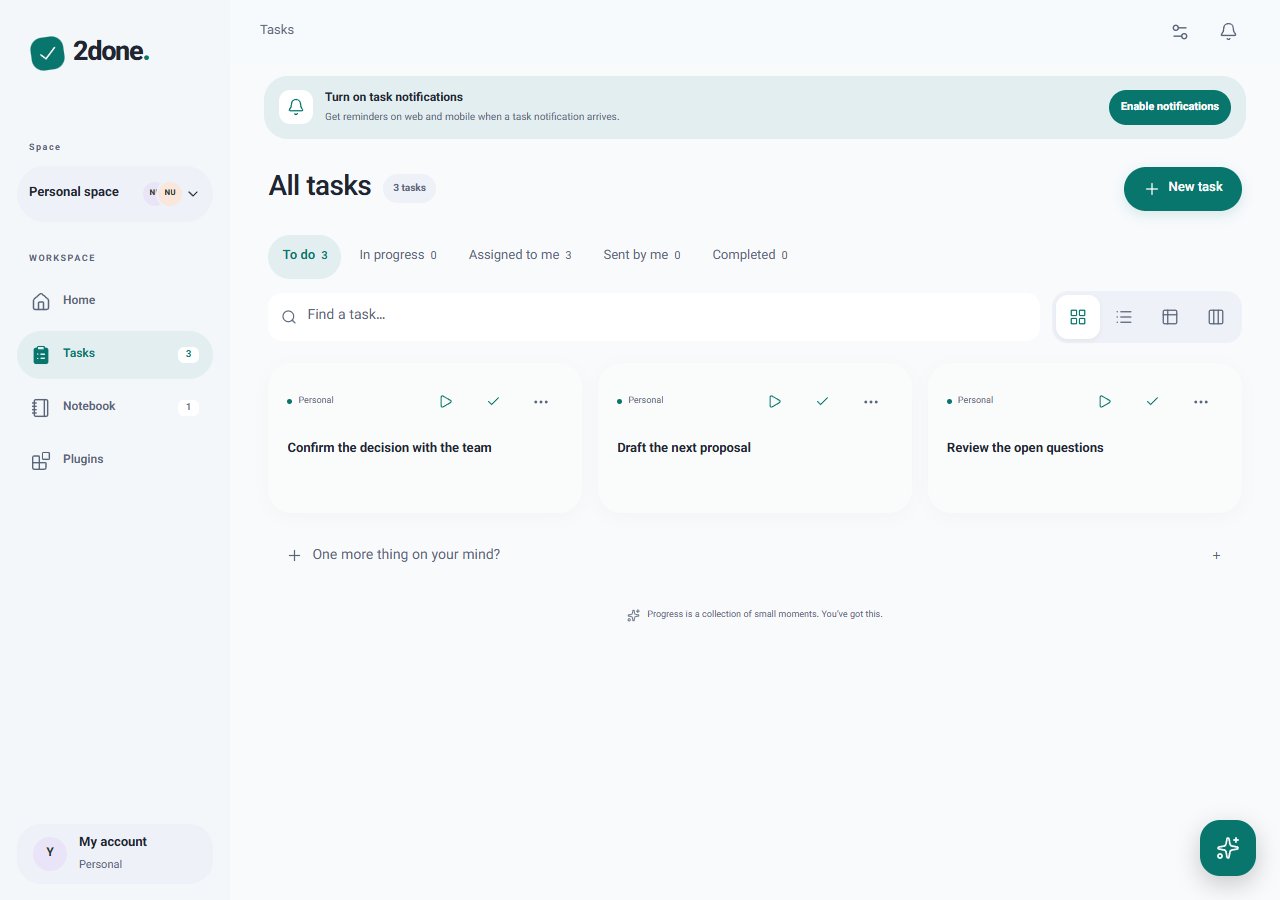
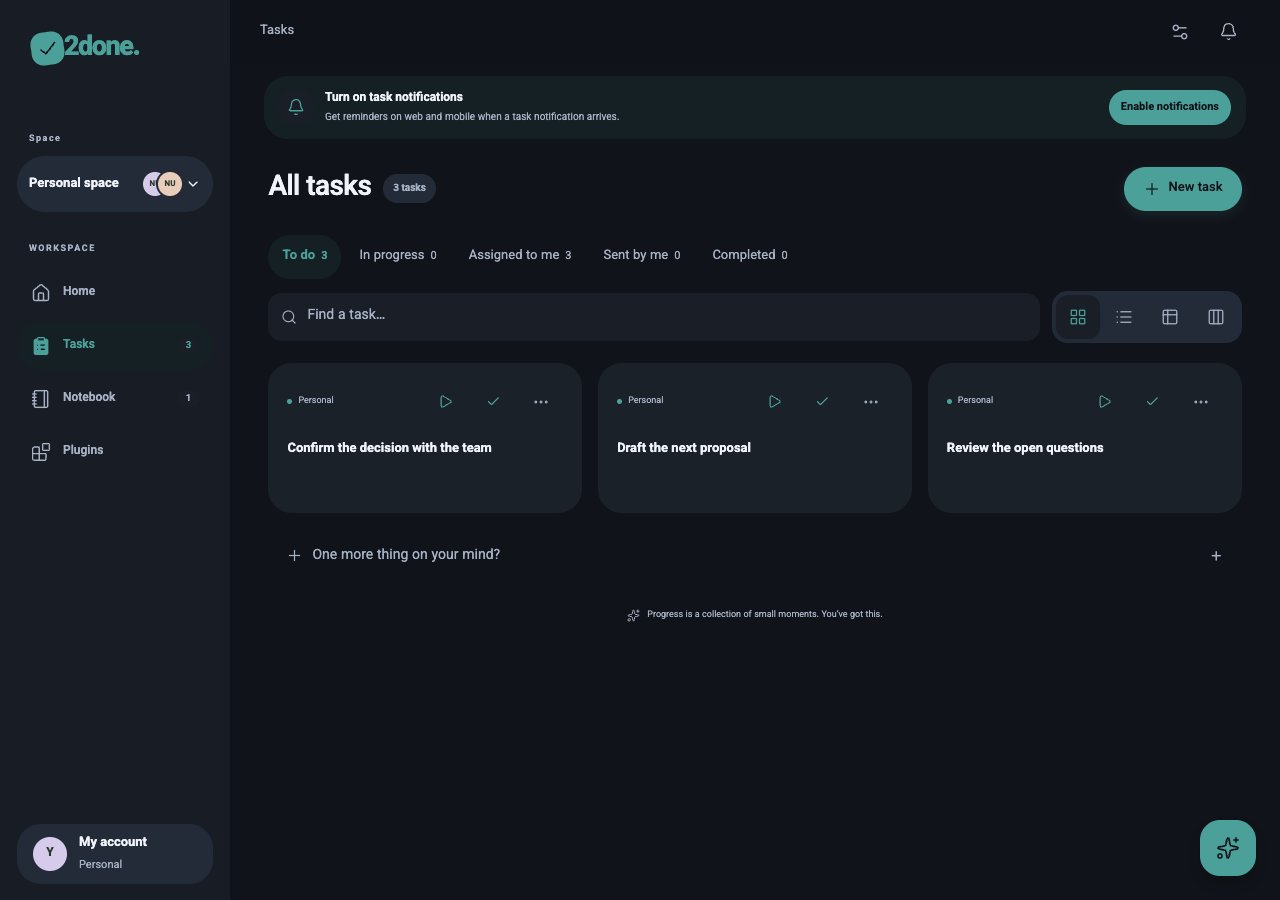
Task management
Plan your day, assign work and track progress in a list or on a Kanban board.
MCP access
Connect a compatible AI client to the tasks and notes you have permission to use.
From “remember this” to a clear task.
Choose a due date, then add a reminder when you need one.
A familiar problem. A clearer way through.
Step-by-step guides with app screenshots, example notes and prompts to try with Doneh.
Property sales: from a viewing to a clear follow-up
Viewings, buyer preferences and owner callbacks are scattered across messages. Keep the property facts in a note and give every promised follow-up its own task.
Follow the walkthroughCar sales: keep each inspection and buyer follow-up together
A buyer asks about service history while another books a test drive. Separate the vehicle facts from the actions so neither the documents nor the next call gets lost.
Follow the walkthroughHR onboarding: make the first week actionable
Equipment, access and introductions have different owners. A shared space makes the handoffs visible without mixing an employee’s private records into a general team board.
Follow the walkthroughDevelopment teams: from a bug report to a release check
A chat message is not a release checklist. Keep reproduction steps and decisions in a note; track implementation, review and acceptance as distinct tasks.
Follow the walkthroughShopping lists: buy what you need, once
A scattered list leads to duplicate purchases. Make one dated shopping note, group it by aisle and track the trip as a task.
Follow the walkthroughDaily journaling: capture the day without turning it into a chore
A diary needs a quiet place, not a growing list of obligations. Use a private notebook for the day and turn only a deliberate commitment into a task.
Follow the walkthroughResearch: turn source notes into a summary you can check
A fluent summary is not enough: you need to find its sources again. Start from material you have actually read, keep citations beside claims and separate evidence from open questions.
Follow the walkthroughMeetings: turn decisions into owned follow-ups
Meeting notes can be detailed while nobody knows what to do next. Separate decisions, open questions and actions before the team leaves.
Follow the walkthroughStudy planning: connect reading notes to a manageable week
A long reading list can hide the next useful action. Keep one topic per note and schedule specific reading or practice sessions.
Follow the walkthroughFreelance projects: keep scope, feedback and delivery aligned
Feedback arrives in pieces and quietly changes the scope. Keep the agreed brief visible and convert accepted changes into explicit delivery tasks.
Follow the walkthroughClear answers. A simpler start.
Where do I start?
Open the web app, sign in, and create your first task or note. You do not need to install anything to use the web app.
What is included for free?
Create tasks, notes, and reminders manually in your personal space for free. See Plans for AI credit and shared space options.
Can Doneh make changes without asking?
In Shield mode, you review proposed changes before applying them. Automatic mode still requires confirmation for deletions and external submissions.
Where does my information live?
Saved tasks and notes belong to your account. Offline drafts stay on the same device until submitted. Read our privacy and retention pages for details.
Get started with Doneh.
Bring your tasks, notes and conversations together in 2Done.