The 2Done AI assistant: ask a focused question and review the answer
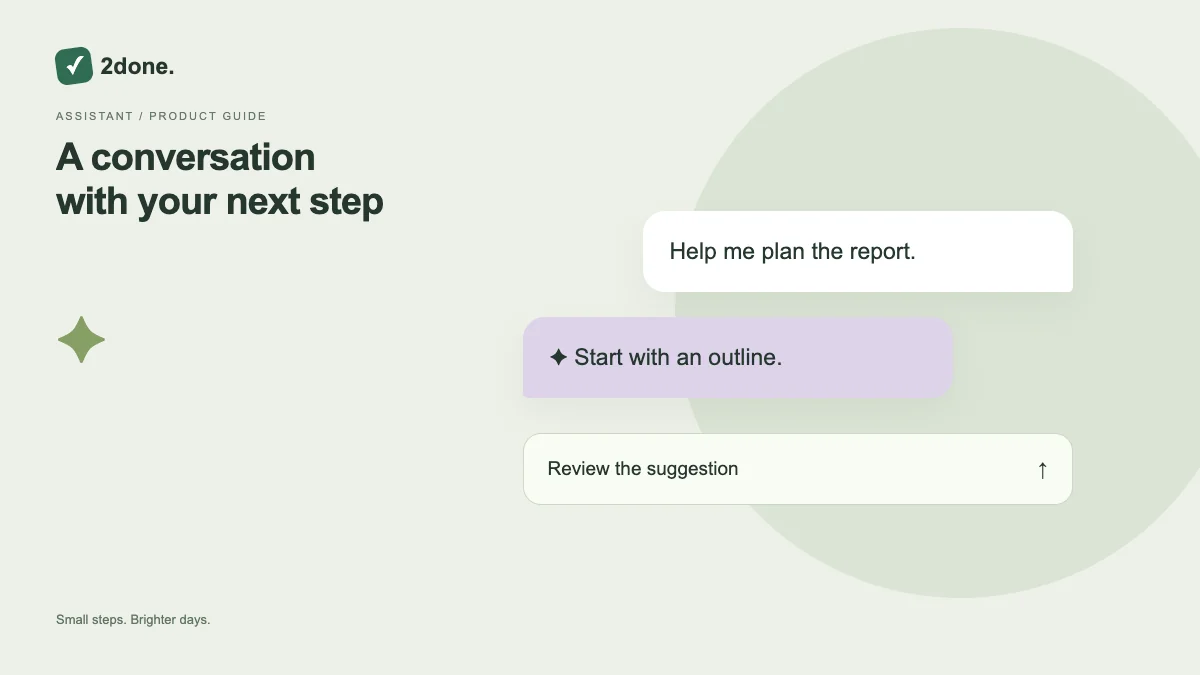
The assistant provides a conversation for planning and understanding work. AI responses require an eligible plan and available allowance, while ordinary task and note features remain separate.
What this feature does
The assistant provides a conversation for planning and understanding work. AI responses require an eligible plan and available allowance, while ordinary task and note features remain separate.
How to use it
Open the assistant in the intended workspace, read the current context, and send a focused request. Wait for the response before submitting again. Review suggested facts and actions; use the review workflow when a response proposes record changes.
A practical example
Ask for a smaller next step for a report or a summary of a specific task set. A clear request naming the space and intended outcome is easier to assess than “organize everything”.
What to know before you start
An assistant answer can contain mistakes. A conversational suggestion is not proof that work was saved or an action applied. The space owner’s plan and your access determine what can be used.
Troubleshooting
If the request fails, preserve the message, check connectivity and plan usage, then retry deliberately. Do not treat a generated date or person name as correct until you verify it.
Sources & further reading
Keep reading
 Planning
How to plan your day with a task list you can finish
A practical 2Done workflow for capturing tasks, choosing a realistic today list and reviewing unfinished work without losing it.
Read article ↗ How-to guides
Due dates vs reminders: set the right one for each task
Understand deadlines, one-time alerts and recurring reminders in 2Done, with a checklist for notifications that do not arrive.
Read article ↗