All tasks in 2Done: maintain a reliable complete list
The complete task view keeps work beyond the immediate Today context visible. It is the place to find future commitments, review completed items and check responsibility without copying tasks between lists.
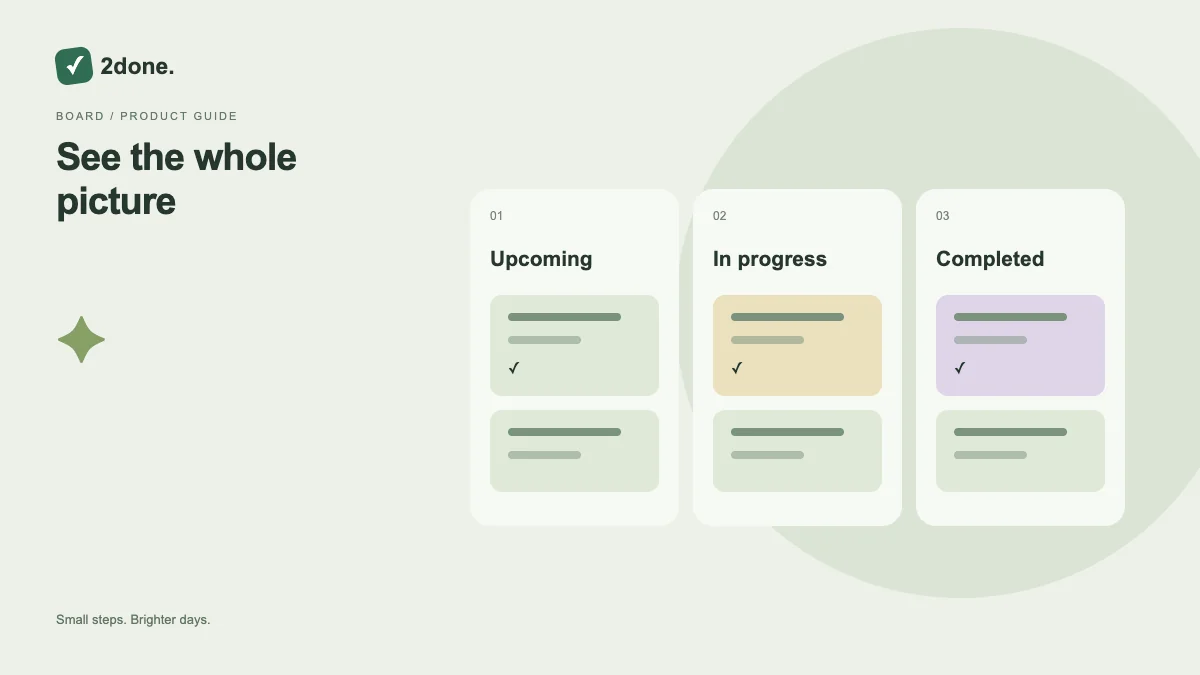
What this feature does
The complete task view keeps work beyond the immediate Today context visible. It is the place to find future commitments, review completed items and check responsibility without copying tasks between lists.
How to use it
Open the complete task view and select the intended workspace. Use the status filters and text search to narrow the records. Open a result before changing it, especially when several titles are similar.
A practical example
A proposal due next week can remain in the complete list while you work on today’s follow-ups. Searching for the client name is more reliable than creating a temporary duplicate to keep it visible.
What to know before you start
The selected space and your access still determine which records you can see. All tasks does not grant access to another person’s private space or a shared space you cannot use.
Troubleshooting
If a result is absent, remove filters and inspect the correct workspace. Check spelling in the title or description, then reload if a collaborator recently changed the record.
Sources & further reading
Keep reading
 Planning
How to plan your day with a task list you can finish
A practical 2Done workflow for capturing tasks, choosing a realistic today list and reviewing unfinished work without losing it.
Read article ↗ How-to guides
Due dates vs reminders: set the right one for each task
Understand deadlines, one-time alerts and recurring reminders in 2Done, with a checklist for notifications that do not arrive.
Read article ↗