Install 2Done on Android: download the latest APK
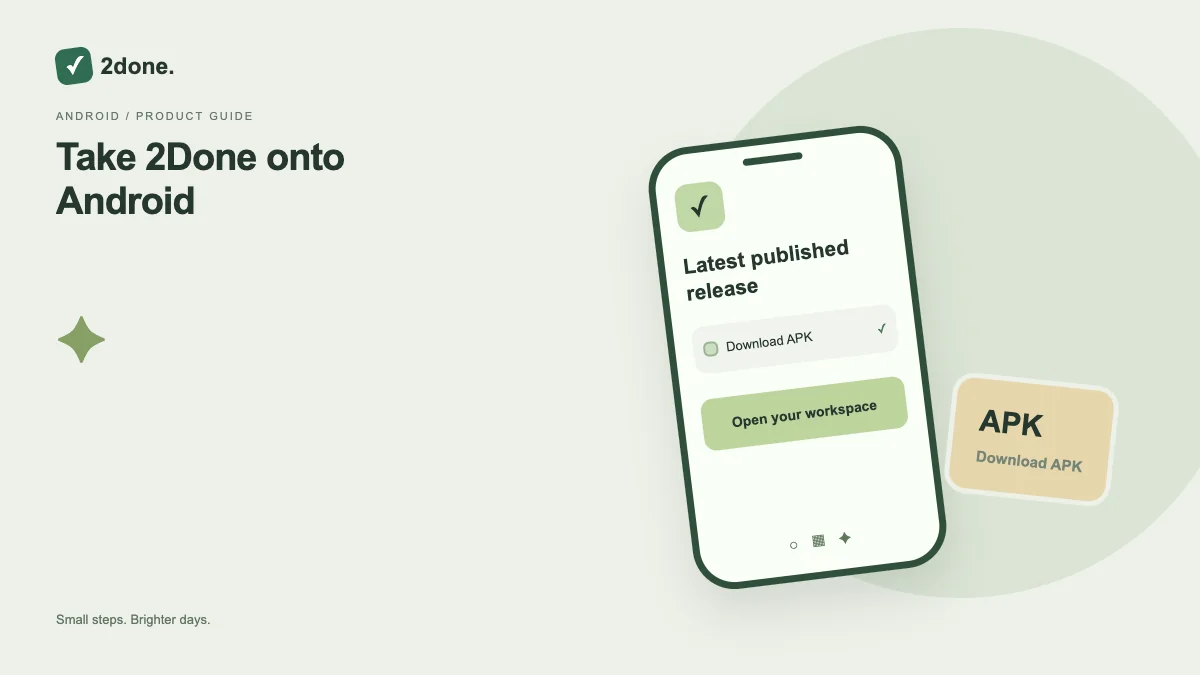
The Android button resolves the latest published release from 2Done’s own Version service. The landing page shows the available version instead of a fixed artifact link.
What this feature does
The Android button resolves the latest published release from 2Done’s own Version service. The landing page shows the available version instead of a fixed artifact link.
How to use it
Choose Android download, wait for the release lookup and download the APK. Open it from Downloads, follow Android’s installation prompts and launch 2Done from its icon.
A practical example
When a newer release is published, use the same download button to obtain the current build. Check the displayed version before opening the downloaded file.
What to know before you start
Installing an APK can require permission for the browser or file manager that opens it. Grant only the permission needed for that source; installation does not automatically sign you in.
Troubleshooting
If lookup fails, retry after checking connectivity. If Android rejects installation, keep the existing app and read the system message before removing anything or losing local drafts.
Sources & further reading
Keep reading
 Planning
How to plan your day with a task list you can finish
A practical 2Done workflow for capturing tasks, choosing a realistic today list and reviewing unfinished work without losing it.
Read article ↗ How-to guides
Due dates vs reminders: set the right one for each task
Understand deadlines, one-time alerts and recurring reminders in 2Done, with a checklist for notifications that do not arrive.
Read article ↗