Assign tasks in 2Done: make responsibility visible
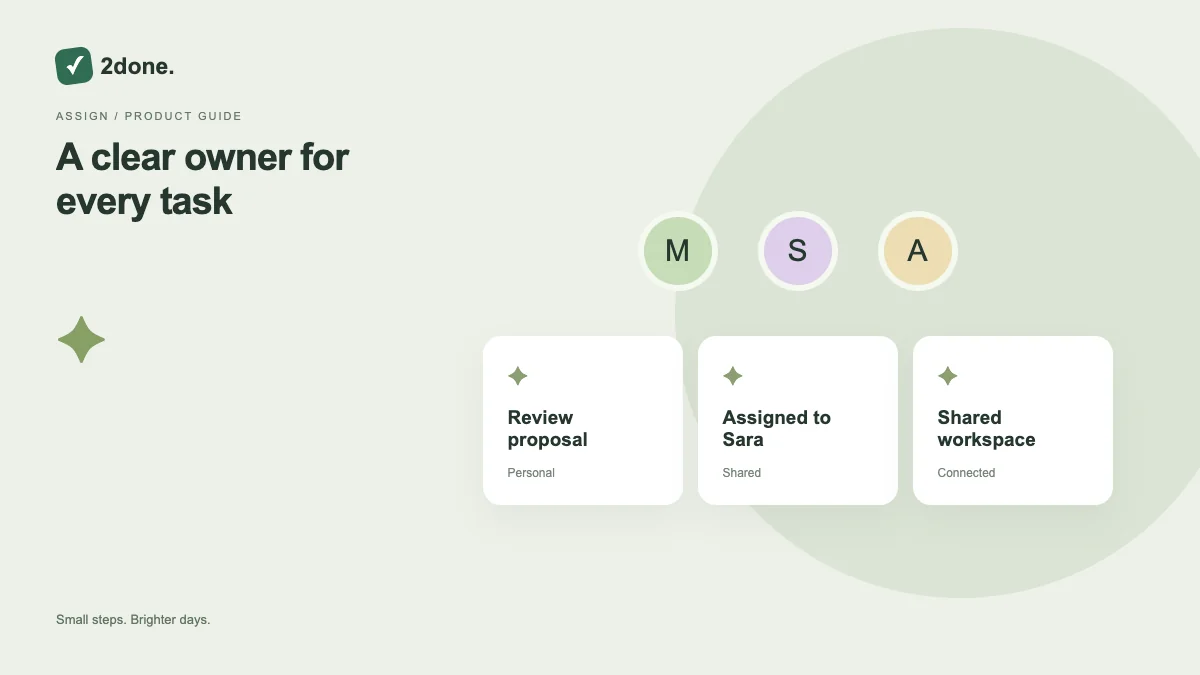
Task assignment identifies the person responsible for moving the action forward. In shared work, this distinguishes your own tasks from items you delegated to another member.
What this feature does
Task assignment identifies the person responsible for moving the action forward. In shared work, this distinguishes your own tasks from items you delegated to another member.
How to use it
Create the task in the intended shared space. Use the person picker to choose an eligible person, check the title and description, then submit. For an existing task, update responsibility only if your access permits it.
A practical example
When asking a teammate to prepare a report, assign the report task to them and explain what completion means. Review the delegated view to follow it without creating a private duplicate.
What to know before you start
Seeing a person in a directory does not grant permission to add them to a space or assign every task. Shared-space membership and effective access still apply.
Troubleshooting
If the person cannot be selected, verify membership and your role in that space. If assignment saves but the item is missing from your active list, inspect the delegated filter.
Sources & further reading
Keep reading
 Planning
How to plan your day with a task list you can finish
A practical 2Done workflow for capturing tasks, choosing a realistic today list and reviewing unfinished work without losing it.
Read article ↗ How-to guides
Due dates vs reminders: set the right one for each task
Understand deadlines, one-time alerts and recurring reminders in 2Done, with a checklist for notifications that do not arrive.
Read article ↗