Workspace questions in 2Done: inspect the records behind an AI result
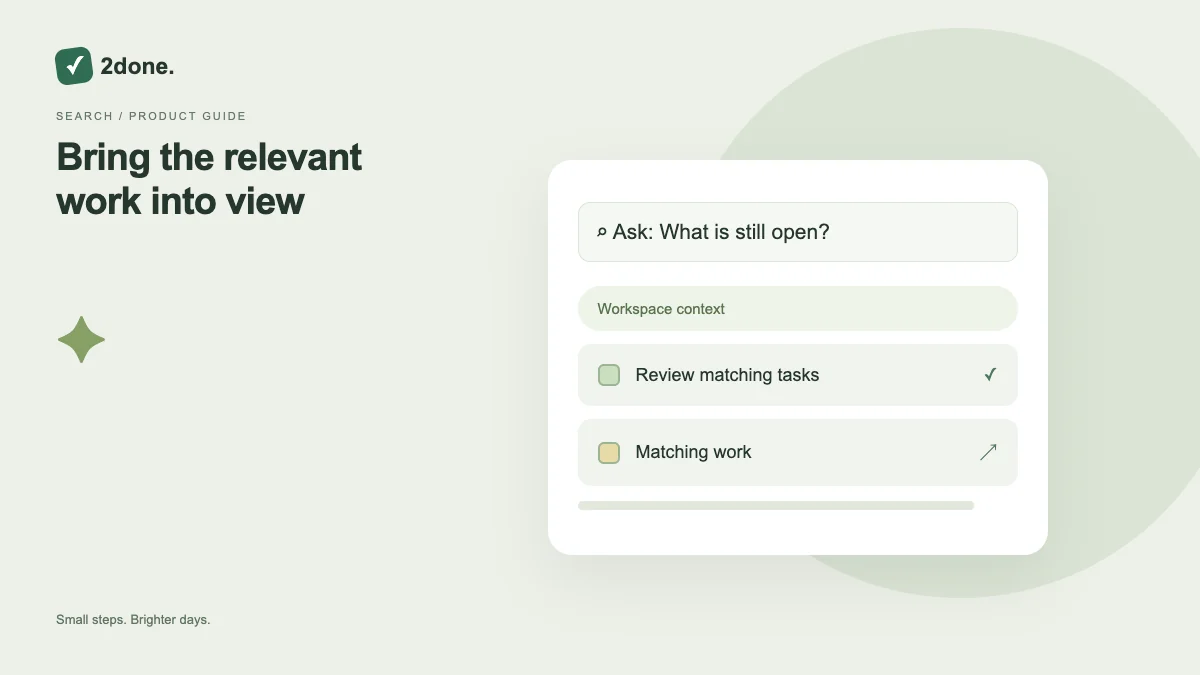
Workspace questions help retrieve relevant work through an assistant request. Result cards connect the answer to records you can inspect, so you do not have to rely solely on a prose summary.
What this feature does
Workspace questions help retrieve relevant work through an assistant request. Result cards connect the answer to records you can inspect, so you do not have to rely solely on a prose summary.
How to use it
Ask a scoped question naming the workspace and the records you need. Read the result cards and open the underlying item before changing a date, assignment or status. Use ordinary filters when a simple title search is enough.
A practical example
Ask which report tasks still need attention in a particular shared space. Check each returned task’s current owner and status before deciding that the whole project is blocked.
What to know before you start
AI retrieval does not grant access to private records or guarantee a complete result for every vague question. The answer and current underlying record can differ if someone edits the task afterward.
Troubleshooting
If results are too broad, narrow the question and space. If a record seems stale, reload its details. Do not create duplicate work merely because a generated summary omitted an item.
Sources & further reading
Keep reading
 Planning
How to plan your day with a task list you can finish
A practical 2Done workflow for capturing tasks, choosing a realistic today list and reviewing unfinished work without losing it.
Read article ↗ How-to guides
Due dates vs reminders: set the right one for each task
Understand deadlines, one-time alerts and recurring reminders in 2Done, with a checklist for notifications that do not arrive.
Read article ↗