Collaborative notes in 2Done: write together and understand save states
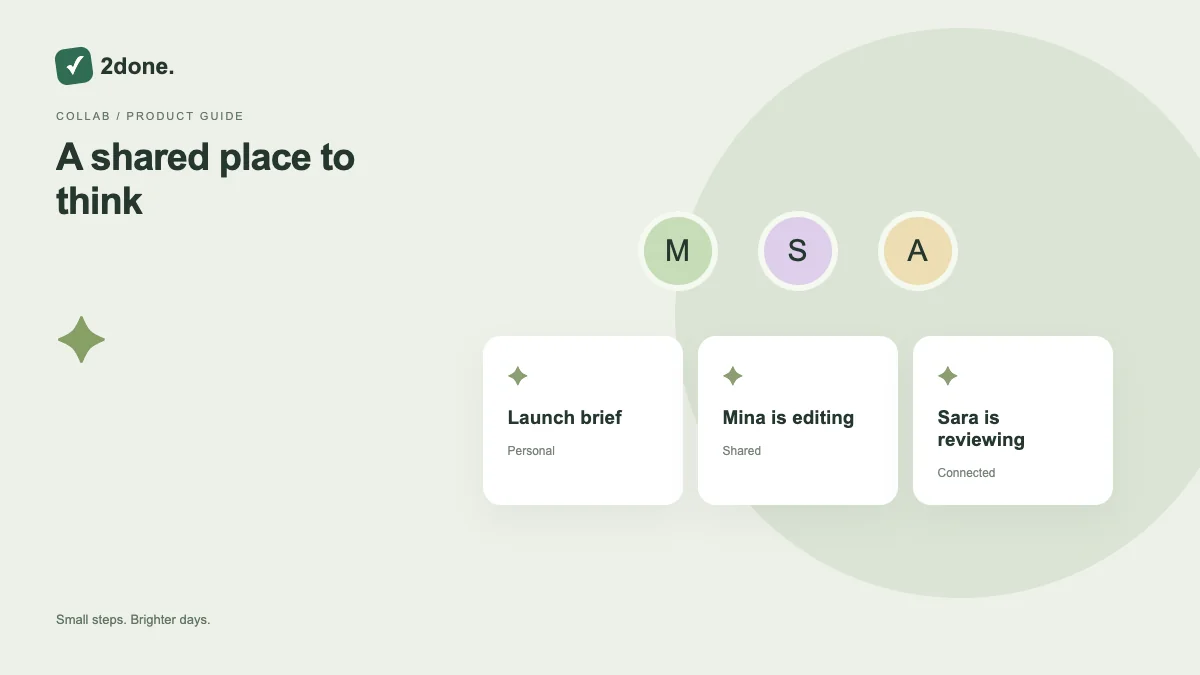
Shared notes support live collaborative writing for people with the appropriate workspace access. Connection and save indicators explain whether the editor is synchronized or still trying to reconnect.
What this feature does
Shared notes support live collaborative writing for people with the appropriate workspace access. Connection and save indicators explain whether the editor is synchronized or still trying to reconnect.
How to use it
Open the same shared note with authorized collaborators. Agree on sections before editing, observe the collaboration indicator, and check saved or pending status before leaving. A read-only user should review rather than expect editing controls.
A practical example
During a meeting, one person can capture decisions while another adds source links. Turn follow-up actions into tasks afterward so responsibility and reminders do not depend on the meeting text alone.
What to know before you start
Live collaboration depends on connectivity and permission. It does not guarantee that every disconnected edit is instantly visible to everyone. Recovered writing needs review before restoration.
Troubleshooting
When reconnecting, keep the editor open and preserve unsaved text. If the document changed elsewhere, reload to inspect the current content and compare any recovered draft instead of replacing it blindly.
Sources & further reading
Keep reading
 Planning
How to plan your day with a task list you can finish
A practical 2Done workflow for capturing tasks, choosing a realistic today list and reviewing unfinished work without losing it.
Read article ↗ How-to guides
Due dates vs reminders: set the right one for each task
Understand deadlines, one-time alerts and recurring reminders in 2Done, with a checklist for notifications that do not arrive.
Read article ↗