The day signal in 2Done: understand pending and overdue work
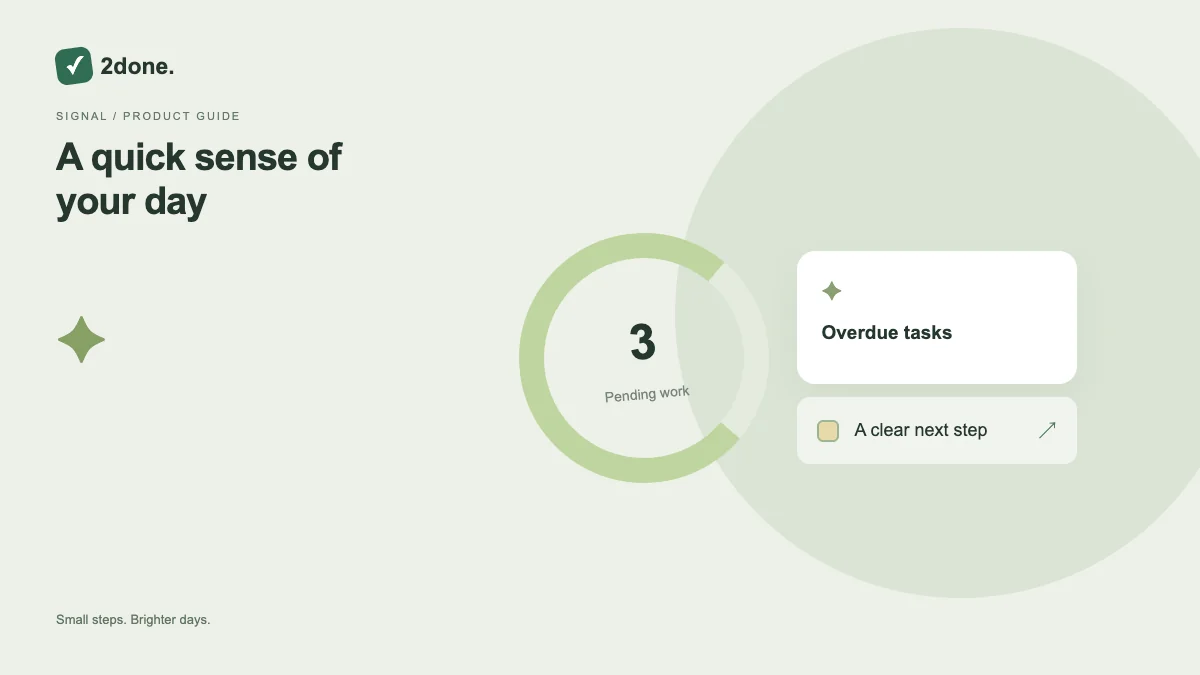
The day signal summarizes your active tasks due by the end of today, together with undated work. It helps you decide what to review next.
What this feature does
The day signal summarizes your active tasks due by the end of today, together with undated work. It helps you decide what to review next.
How to use it
Look at the day signal, then open Today to review the actual tasks. Check owners, dates and statuses before deciding which task needs attention.
A practical example
An undated personal task can contribute to pending work. A future task due tomorrow does not count in today’s signal; an elapsed due time contributes to overdue work.
What to know before you start
This summary is not a calendar appointment or a notification schedule. Notes, completed tasks and canceled tasks are excluded, and the summary concerns tasks assigned to you.
Troubleshooting
If the count looks unexpected, check ownership and undated tasks first. Correct a task’s date or status rather than creating a second copy to change the summary.
Sources & further reading
Keep reading
 Planning
How to plan your day with a task list you can finish
A practical 2Done workflow for capturing tasks, choosing a realistic today list and reviewing unfinished work without losing it.
Read article ↗ How-to guides
Due dates vs reminders: set the right one for each task
Understand deadlines, one-time alerts and recurring reminders in 2Done, with a checklist for notifications that do not arrive.
Read article ↗