Deleting tasks in 2Done: distinguish removal from completion
Deletion removes a task instead of merely marking its outcome complete. Use it for an item that should not remain as an ordinary task record, rather than for every piece of finished work.
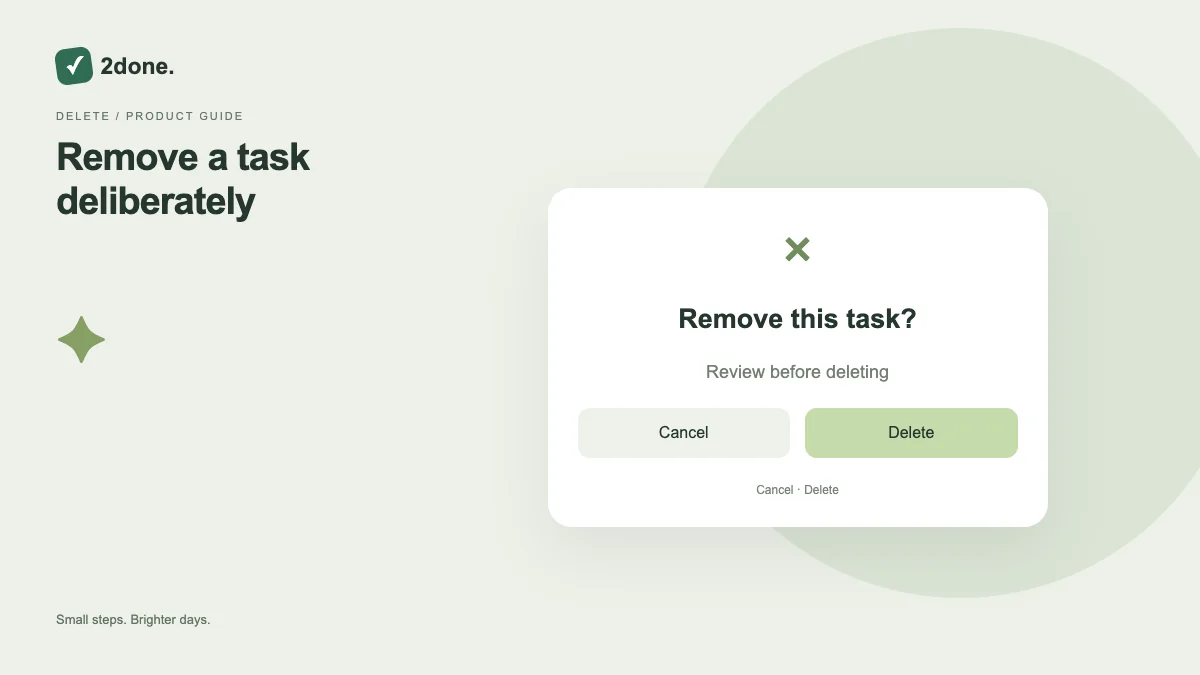
What this feature does
Deletion removes a task instead of merely marking its outcome complete. Use it for an item that should not remain as an ordinary task record, rather than for every piece of finished work.
How to use it
Open the exact task, read its title and workspace, and use the delete action only if you have permission. Read the confirmation carefully and wait for the result before navigating away.
A practical example
A mistakenly created duplicate may be appropriate to remove after checking which copy contains the valid discussion and checklist. A genuinely completed report should normally be marked complete.
What to know before you start
Do not assume an undo button, recycle bin or automatic recovery exists. Deleting a shared task can affect collaborators; review the record and the retention policy before removing important material.
Troubleshooting
If removal fails, reload the task and check access. Do not try deleting a similarly named record to compensate; first confirm the identity and state of the original item.
Sources & further reading
Keep reading
 Planning
How to plan your day with a task list you can finish
A practical 2Done workflow for capturing tasks, choosing a realistic today list and reviewing unfinished work without losing it.
Read article ↗ How-to guides
Due dates vs reminders: set the right one for each task
Understand deadlines, one-time alerts and recurring reminders in 2Done, with a checklist for notifications that do not arrive.
Read article ↗