2Done on desktop: use the web version
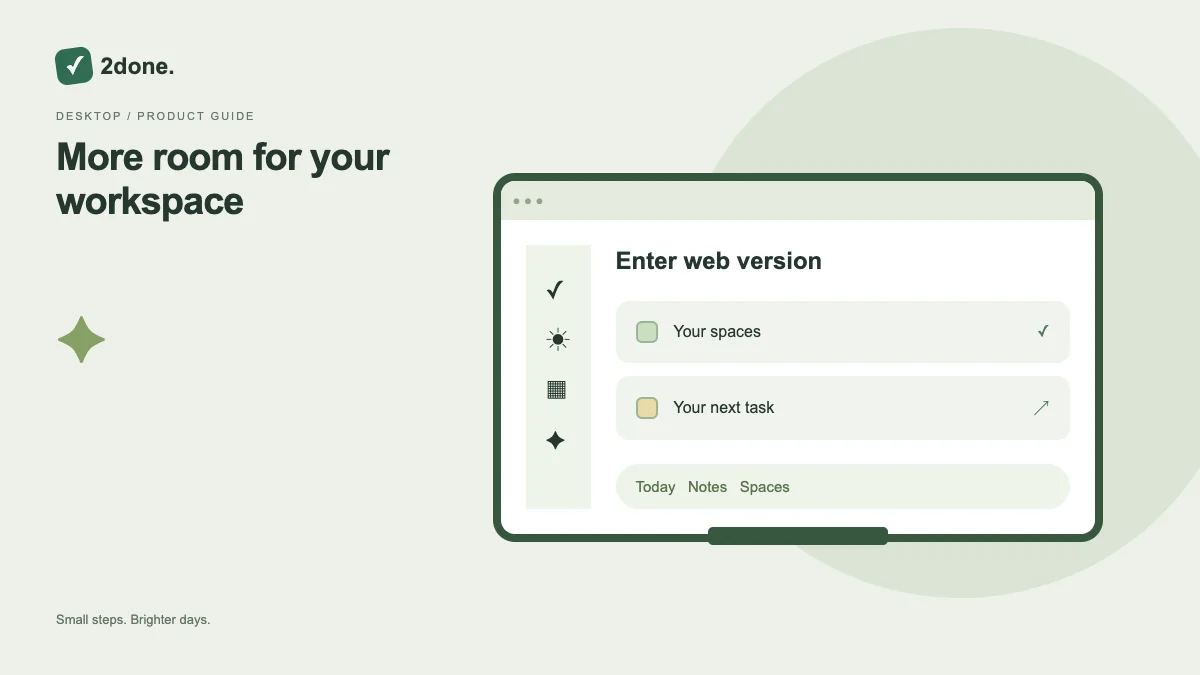
The Enter web version action opens the browser workspace. Desktop users can work without installing an Android package or an iPhone icon.
What this feature does
The Enter web version action opens the browser workspace. Desktop users can work without installing an Android package or an iPhone icon.
How to use it
Choose Enter web version, sign in and select the intended space. Use the same account to review work saved from another device, then confirm any changes were saved.
A practical example
A laptop is useful for editing a longer note or reviewing tasks in table view. A phone can use the same account for quick capture while you are away.
What to know before you start
Cross-device availability depends on successful server saves. Offline text drafts are local to their device and are not proof that a collaborator can read them.
Troubleshooting
If work appears missing, check the account, selected space and filters. Check connection and save state before recreating an item or assuming the devices have different data.
Sources & further reading
Keep reading
 Planning
How to plan your day with a task list you can finish
A practical 2Done workflow for capturing tasks, choosing a realistic today list and reviewing unfinished work without losing it.
Read article ↗ How-to guides
Due dates vs reminders: set the right one for each task
Understand deadlines, one-time alerts and recurring reminders in 2Done, with a checklist for notifications that do not arrive.
Read article ↗