Device notifications in 2Done: enable and test reminders
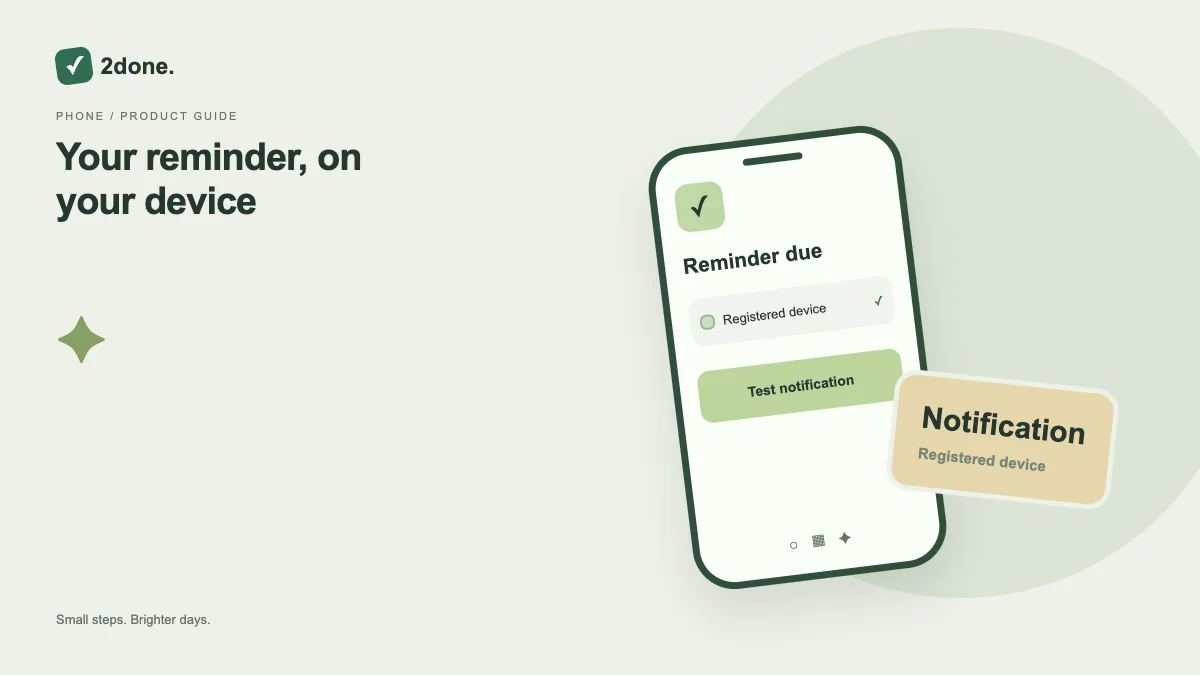
Device notification settings register this browser and device for background reminders. Permission is specific to the device; enabling one phone does not enable another.
What this feature does
Device notification settings register this browser and device for background reminders. Permission is specific to the device; enabling one phone does not enable another.
How to use it
Open device notifications, choose Enable on this device and accept the browser permission. Once registered, send a test notification and check the device notification tray.
A practical example
Before relying on a meeting reminder, test delivery on the phone you will carry. Keep the reminder enabled on the task as well.
What to know before you start
A push service accepting a notification is not proof that you saw it. Browser support, operating-system notification settings and network conditions affect delivery.
Troubleshooting
If permission is blocked, allow notifications in the browser site settings and device settings. Re-enable the device if delivery fails; wait one minute between tests.
Sources & further reading
Keep reading
 Planning
How to plan your day with a task list you can finish
A practical 2Done workflow for capturing tasks, choosing a realistic today list and reviewing unfinished work without losing it.
Read article ↗ How-to guides
Due dates vs reminders: set the right one for each task
Understand deadlines, one-time alerts and recurring reminders in 2Done, with a checklist for notifications that do not arrive.
Read article ↗