Install 2Done on iPhone: add the web app to your home screen
2Done offers an iPhone installation guide for its web app. Adding the icon gives you a separate launch point while keeping the same account and service.
What this feature does
2Done offers an iPhone installation guide for its web app. Adding the icon gives you a separate launch point while keeping the same account and service.
How to use it
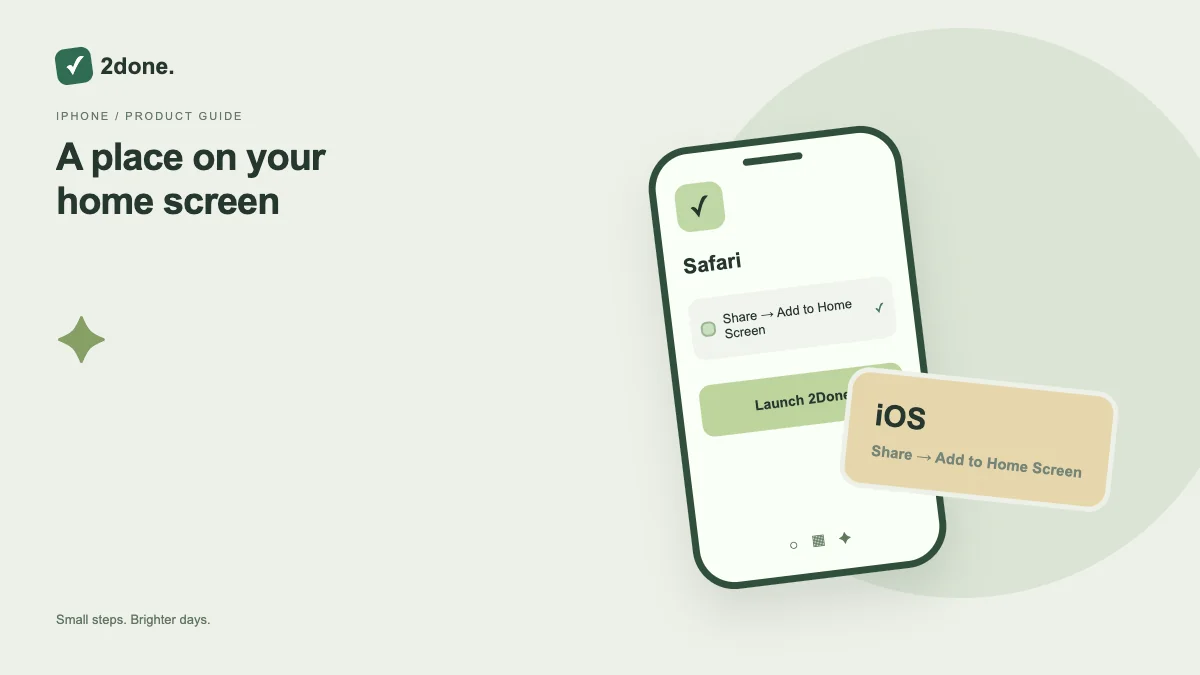
Open the site in Safari on iPhone. Tap Share, choose Add to Home Screen and confirm Add. Launch the new icon and sign in to your account.
A practical example
Use the home-screen icon for your daily workspace instead of keeping a browser tab open. Confirm a task was saved before expecting it on a second device.
What to know before you start
Safari does not expose the automatic Chromium install prompt. Adding the icon is not an App Store download, and notification support still depends on device settings and browser capability.
Troubleshooting
If Add to Home Screen is missing, open the page in Safari rather than an embedded browser and inspect the Share menu. Keep the account sign-in method available before changing device settings.
Sources & further reading
Keep reading
 Planning
How to plan your day with a task list you can finish
A practical 2Done workflow for capturing tasks, choosing a realistic today list and reviewing unfinished work without losing it.
Read article ↗ How-to guides
Due dates vs reminders: set the right one for each task
Understand deadlines, one-time alerts and recurring reminders in 2Done, with a checklist for notifications that do not arrive.
Read article ↗