Note folders in 2Done: organize documents within a space
Folders group notes in a workspace so related documents are easier to browse. The folder view and folder filter help separate organization from the content of the notes themselves.
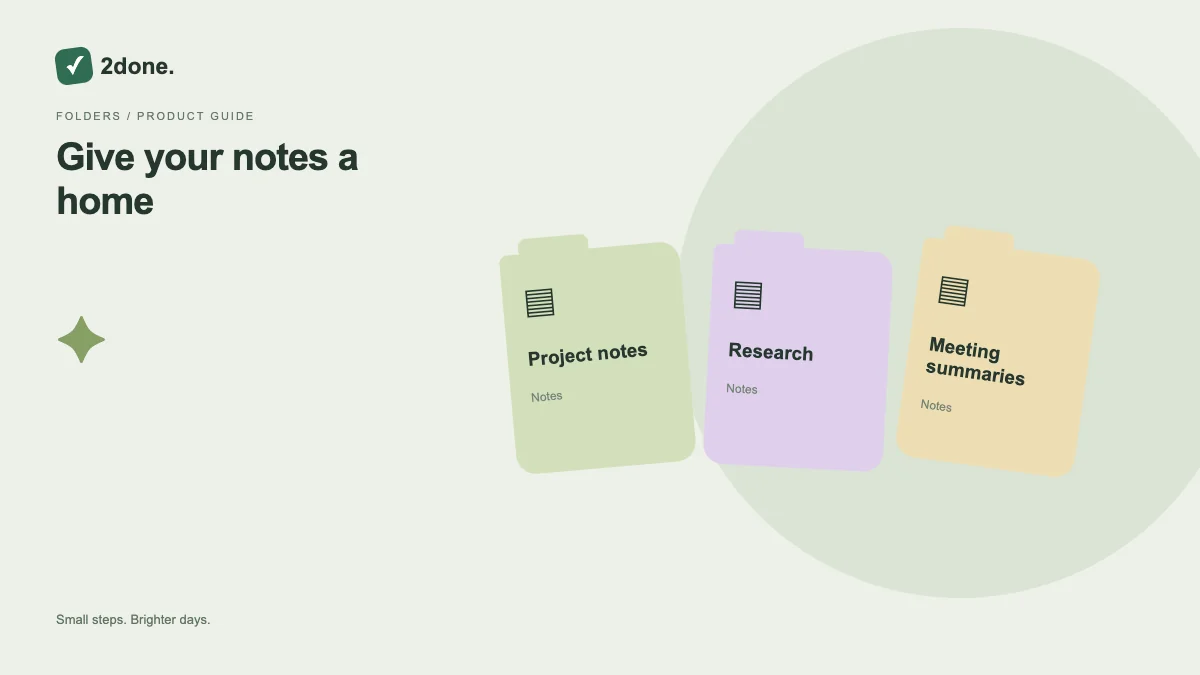
What this feature does
Folders group notes in a workspace so related documents are easier to browse. The folder view and folder filter help separate organization from the content of the notes themselves.
How to use it
Open Note folders, choose the relevant space, and create or edit a folder using its routed form. Review folder membership when moving a note. Before deleting a folder, inspect the destination options presented for its notes.
A practical example
A project can use separate folders for meeting records and research notes. Keep titles specific enough that a note still makes sense when opened outside its folder list.
What to know before you start
Folders do not independently override workspace access. Deleting a folder and deleting its notes are different decisions; review the proposed destination or operation before applying it.
Troubleshooting
If a folder change conflicts with another update, reload the current folder data and compare the proposed move. Do not assume missing notes were deleted before checking the selected folder and space.
Sources & further reading
Keep reading
 Planning
How to plan your day with a task list you can finish
A practical 2Done workflow for capturing tasks, choosing a realistic today list and reviewing unfinished work without losing it.
Read article ↗ How-to guides
Due dates vs reminders: set the right one for each task
Understand deadlines, one-time alerts and recurring reminders in 2Done, with a checklist for notifications that do not arrive.
Read article ↗