Offline drafts in 2Done: preserve writing without assuming it was submitted
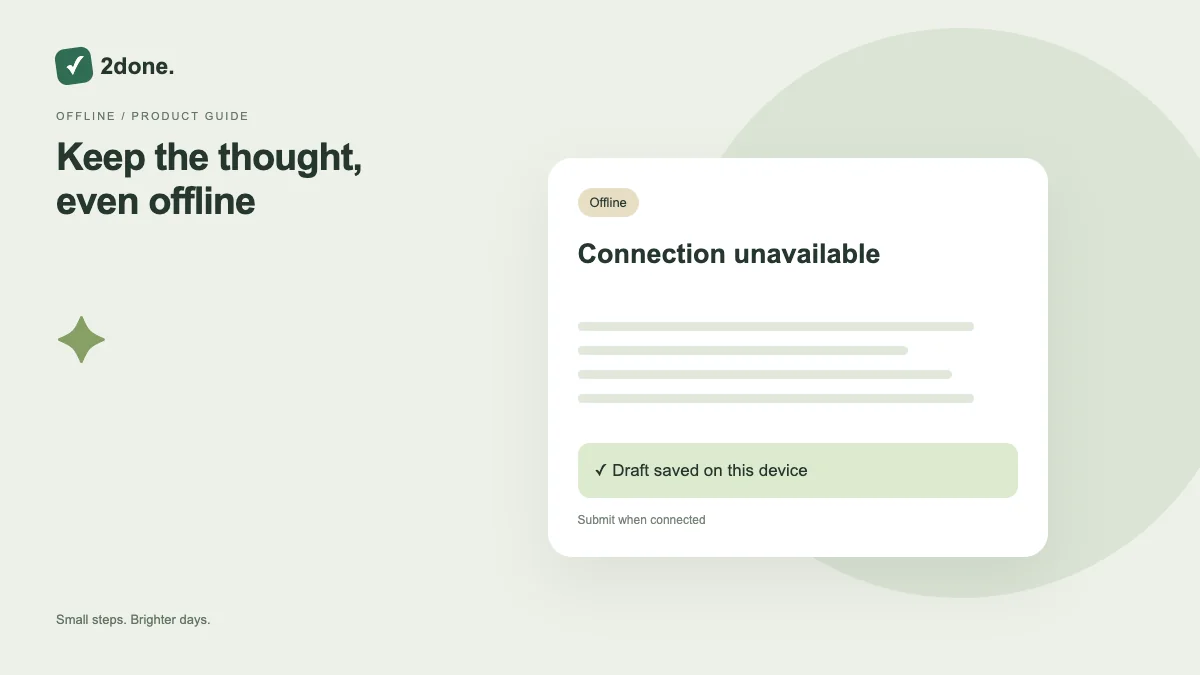
Local drafts preserve entered text on the current device when you cannot finish submission. They reduce the risk of losing writing, but they are distinct from tasks or notes successfully stored in the service.
What this feature does
Local drafts preserve entered text on the current device when you cannot finish submission. They reduce the risk of losing writing, but they are distinct from tasks or notes successfully stored in the service.
How to use it
Write the draft and follow the app’s saved or pending indicators. After reconnecting, reopen the relevant form or editor, review recovered text, and submit or synchronize it. Confirm the actual saved record before relying on it elsewhere.
A practical example
You can capture a task description during a connection interruption and finish submission later. Until success is confirmed, a teammate or another device should not be expected to see that task.
What to know before you start
Offline drafts do not schedule reminders or guarantee full offline task management. Browser storage can be affected by clearing site data, device changes and account sign-out.
Troubleshooting
If recovered text differs from the latest shared document, compare both versions. Append useful material deliberately; do not overwrite a newer shared record simply because your local draft is older.
Sources & further reading
Keep reading
 Planning
How to plan your day with a task list you can finish
A practical 2Done workflow for capturing tasks, choosing a realistic today list and reviewing unfinished work without losing it.
Read article ↗ How-to guides
Due dates vs reminders: set the right one for each task
Understand deadlines, one-time alerts and recurring reminders in 2Done, with a checklist for notifications that do not arrive.
Read article ↗