One-time reminders in 2Done: schedule a single follow-up
A one-time reminder schedules a notification for a specific task follow-up. It is configured independently from the task’s due date, so you can receive a prompt before the final deadline.
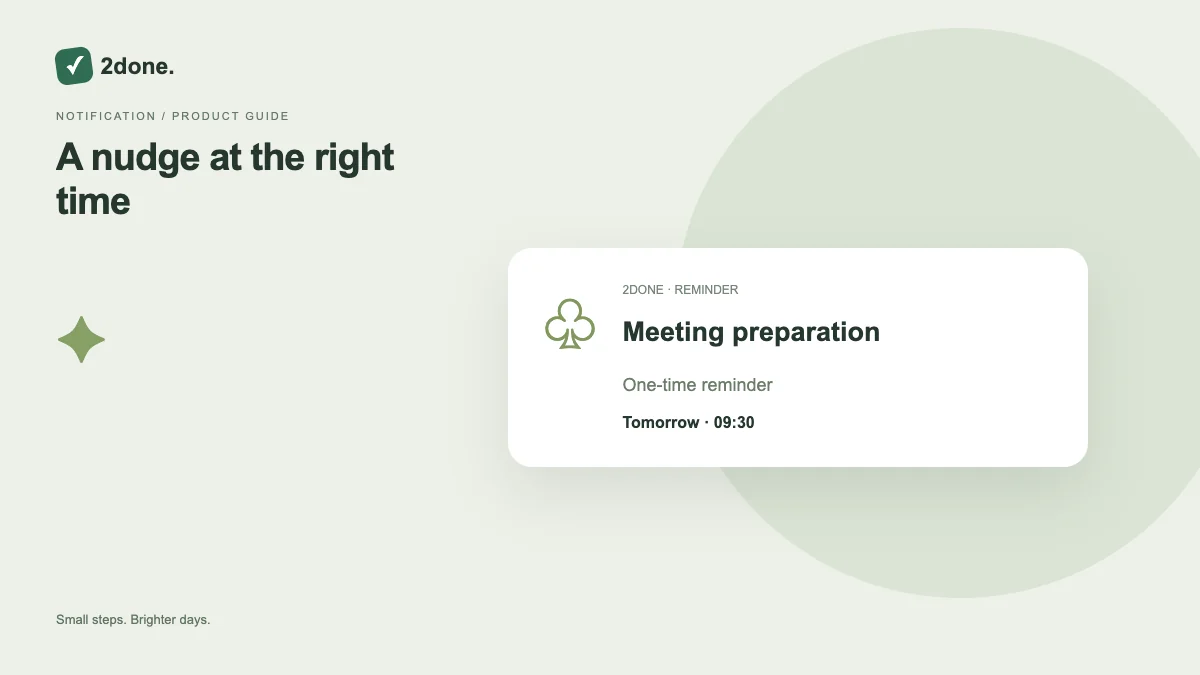
What this feature does
A one-time reminder schedules a notification for a specific task follow-up. It is configured independently from the task’s due date, so you can receive a prompt before the final deadline.
How to use it
Open the task reminder controls, enable the reminder, choose the one-time mode and set its date and time. Save and verify that the reminder remains enabled in the current task record.
A practical example
For a Friday delivery, schedule a single Thursday review reminder. Keep Friday as the task deadline; the reminder is the earlier prompt to prepare or check progress.
What to know before you start
A saved due date is not an enabled reminder. Inbox delivery and device, email or SMS delivery depend on their separate settings and availability. Do not rely on an unsaved local draft for an alert.
Troubleshooting
If no alert arrives, first check the enabled reminder and scheduled time. Then inspect the notification inbox and your delivery preferences before creating another reminder for the same event.
Sources & further reading
Keep reading
 Planning
How to plan your day with a task list you can finish
A practical 2Done workflow for capturing tasks, choosing a realistic today list and reviewing unfinished work without losing it.
Read article ↗ How-to guides
Due dates vs reminders: set the right one for each task
Understand deadlines, one-time alerts and recurring reminders in 2Done, with a checklist for notifications that do not arrive.
Read article ↗