Persian and Gregorian date selection in 2Done
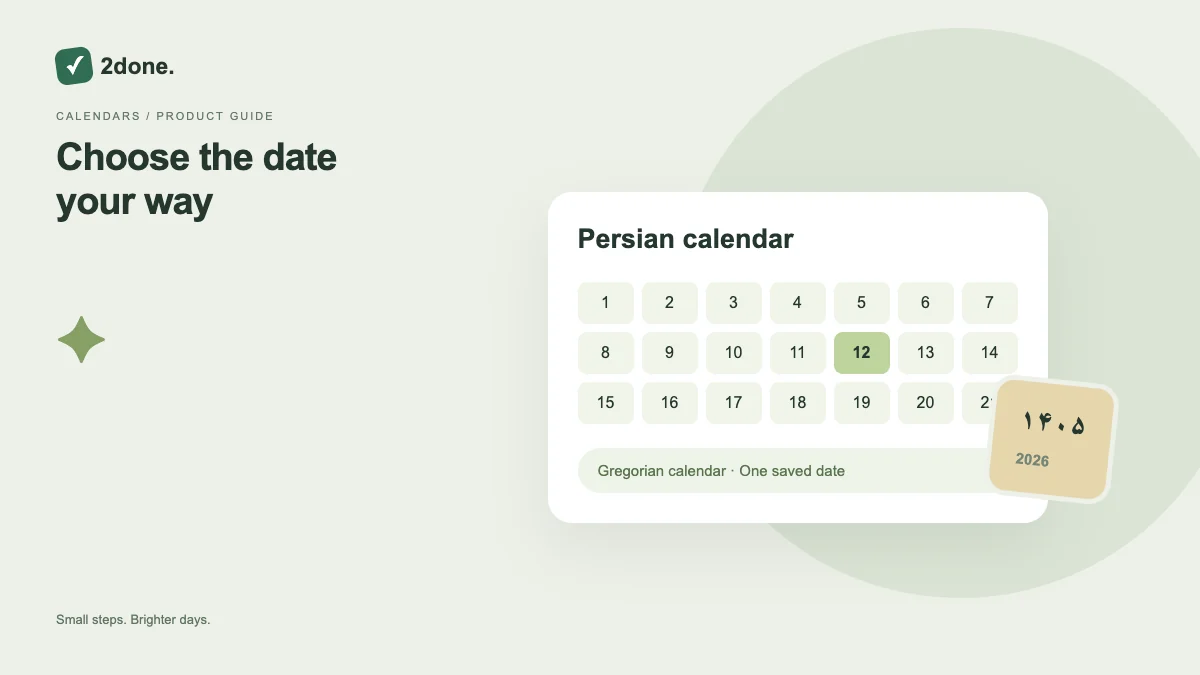
The date picker provides Persian and Gregorian calendar presentation for choosing task dates. Calendar presentation helps you read the intended day without changing the meaning of the scheduled instant.
What this feature does
The date picker provides Persian and Gregorian calendar presentation for choosing task dates. Calendar presentation helps you read the intended day without changing the meaning of the scheduled instant.
How to use it
Open the date-time picker and choose the available calendar presentation. Select the day and time, then review the final field value. When switching languages, verify the actual date rather than comparing only the written numerals.
A practical example
A deadline agreed as 10 Mehr should be checked in the Persian calendar. A colleague reading the same deadline in Gregorian form should confirm the equivalent day, not create a second deadline.
What to know before you start
Calendar display, language, device time zone and reminder schedule are related but distinct. A calendar toggle does not enable a reminder or guarantee identical-looking text on every device.
Troubleshooting
If a date looks unfamiliar after switching presentation, reopen the picker and compare the selected day. Check the time as well before saving a correction.
Sources & further reading
Keep reading
 Planning
How to plan your day with a task list you can finish
A practical 2Done workflow for capturing tasks, choosing a realistic today list and reviewing unfinished work without losing it.
Read article ↗ How-to guides
Due dates vs reminders: set the right one for each task
Understand deadlines, one-time alerts and recurring reminders in 2Done, with a checklist for notifications that do not arrive.
Read article ↗