Personal space in 2Done: keep private tasks in the right place
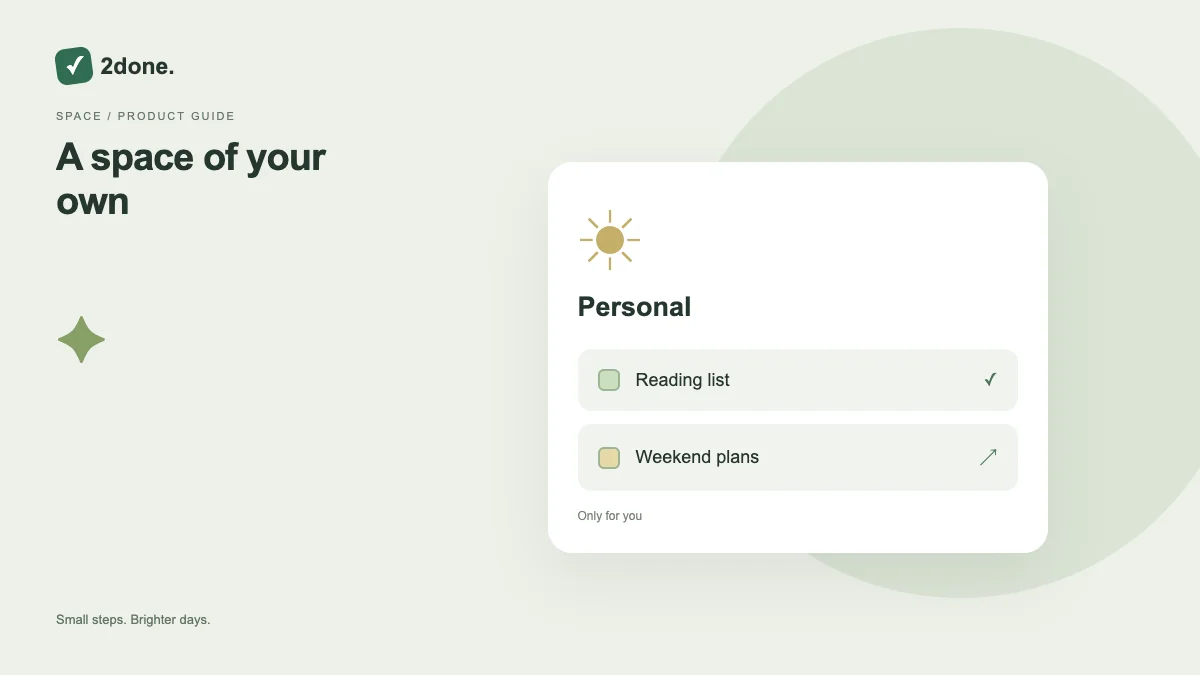
Your personal space separates individual commitments from the shared spaces you participate in. Selecting a space changes the context in which you create and review work.
What this feature does
Your personal space separates individual commitments from the shared spaces you participate in. Selecting a space changes the context in which you create and review work.
How to use it
Choose your personal space in the workspace navigation. Capture your own tasks there, then open the task to confirm its space and responsible person. Switch to a shared space before creating work intended for a team.
A practical example
Keep a medical appointment or personal reading task in your own space. Create a team report task in the relevant shared space so collaborators do not have to search through your private work.
What to know before you start
Personal space is an organization and access boundary. Adding sensitive information still requires judgment; account access and the product privacy policy continue to apply.
Troubleshooting
If an expected task is missing, check the selected space and current filters first. A task saved in another space is not necessarily lost, and changing the view should precede recreating it.
Sources & further reading
Keep reading
 Planning
How to plan your day with a task list you can finish
A practical 2Done workflow for capturing tasks, choosing a realistic today list and reviewing unfinished work without losing it.
Read article ↗ How-to guides
Due dates vs reminders: set the right one for each task
Understand deadlines, one-time alerts and recurring reminders in 2Done, with a checklist for notifications that do not arrive.
Read article ↗