Planning preferences in 2Done: make your constraints explicit
Planning preferences provide saved context for the assistant’s planning workflow. They help express the constraints the available preference form supports, rather than restating the same background in every message.
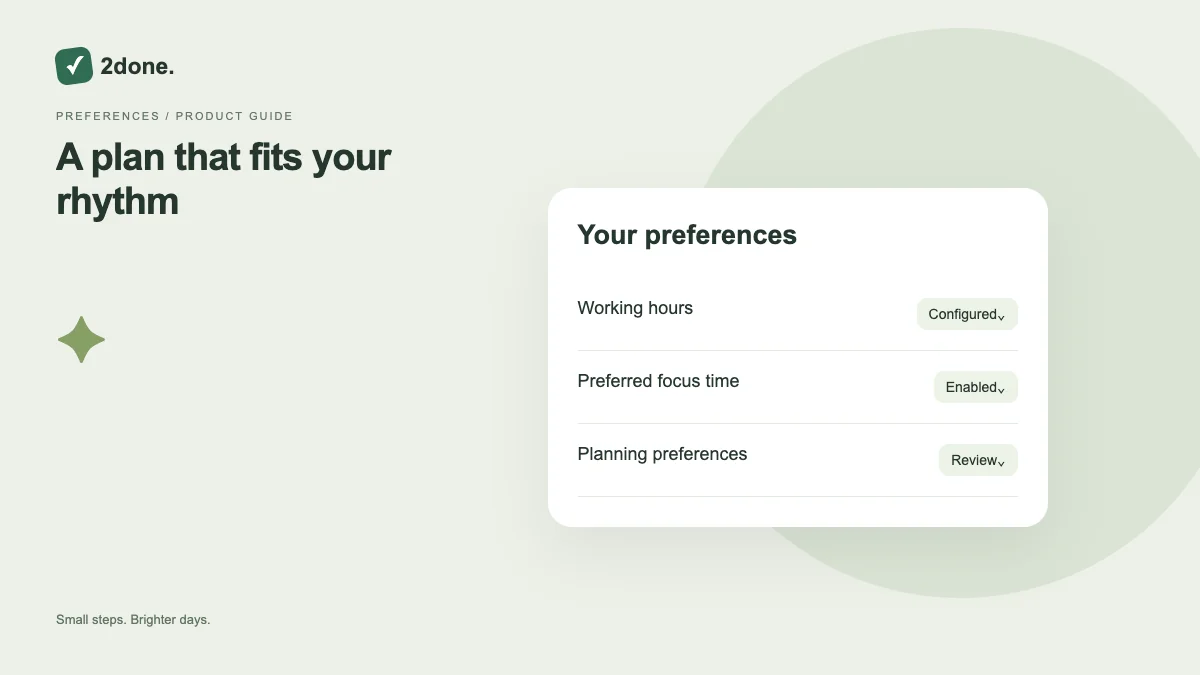
What this feature does
Planning preferences provide saved context for the assistant’s planning workflow. They help express the constraints the available preference form supports, rather than restating the same background in every message.
How to use it
Open planning preferences, read the existing values and edit only the fields relevant to your work. Save and confirm the current version. When asking for a plan, state any exceptional constraint that differs from the saved preferences.
A practical example
If your normal planning context changes for a particular week, explain that exception in the request. Update the saved preferences when the change becomes your normal pattern.
What to know before you start
Preferences are context, not a guarantee that an AI plan is feasible or an automatic scheduling engine. Review every proposed date and action against real commitments.
Troubleshooting
If saving conflicts with another update, reload the current preferences and reapply your intended change. If a suggestion ignores an important constraint, make it explicit and review a revised proposal.
Sources & further reading
Keep reading
 Planning
How to plan your day with a task list you can finish
A practical 2Done workflow for capturing tasks, choosing a realistic today list and reviewing unfinished work without losing it.
Read article ↗ How-to guides
Due dates vs reminders: set the right one for each task
Understand deadlines, one-time alerts and recurring reminders in 2Done, with a checklist for notifications that do not arrive.
Read article ↗