Your profile name in 2Done: keep your identity clear
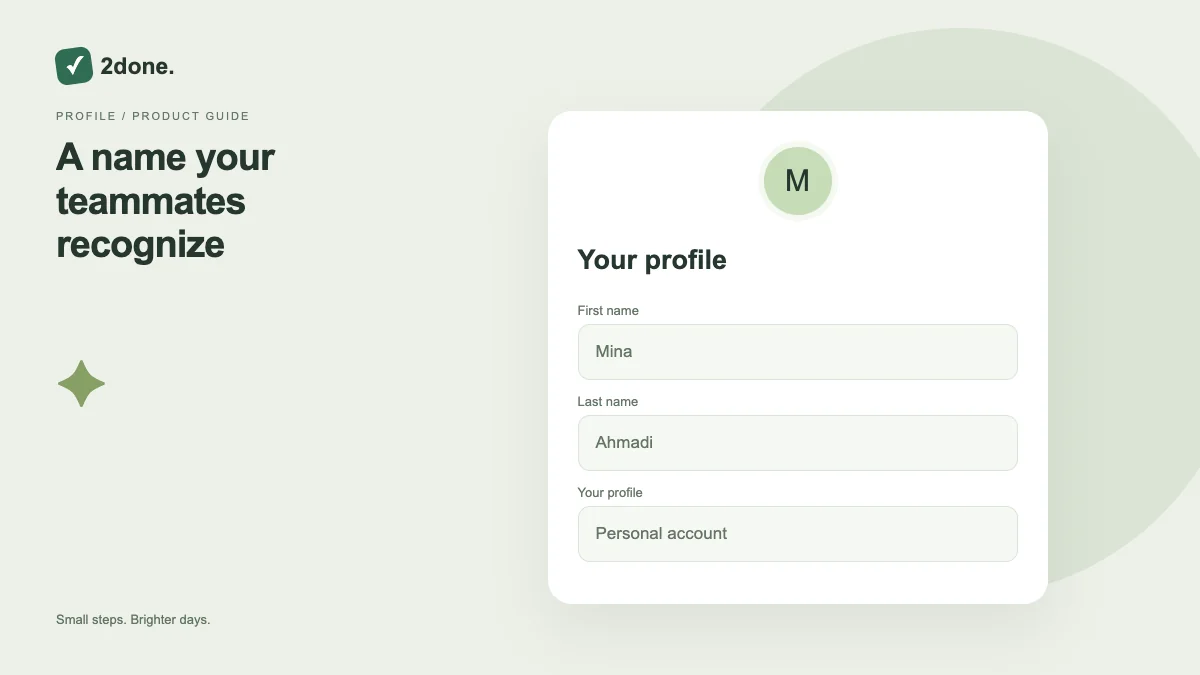
Account profile settings store your first and last name for the selected language. A clear name helps identify you in shared work.
What this feature does
Account profile settings store your first and last name for the selected language. A clear name helps identify you in shared work.
How to use it
Open account settings and wait for the profile to load. Edit first and last name, save once and wait for the confirmation. Review the displayed profile afterward.
A practical example
Use a name teammates recognize rather than putting a task description in your name. Review the Persian and English versions when using both languages.
What to know before you start
Updating the name does not change your login identifier, grant a role or rename a shared space. Only the profile fields exposed by the form are changed.
Troubleshooting
If loading fails, retry before editing. If saving fails, preserve the entered name and check connectivity rather than assuming other members already see the update.
Sources & further reading
Keep reading
 Planning
How to plan your day with a task list you can finish
A practical 2Done workflow for capturing tasks, choosing a realistic today list and reviewing unfinished work without losing it.
Read article ↗ How-to guides
Due dates vs reminders: set the right one for each task
Understand deadlines, one-time alerts and recurring reminders in 2Done, with a checklist for notifications that do not arrive.
Read article ↗