Quick task capture in 2Done: turn a thought into a saved action
Quick capture records an action before you forget its context. A title identifies the outcome; the description holds supporting details. You choose the space and person responsible before submitting.
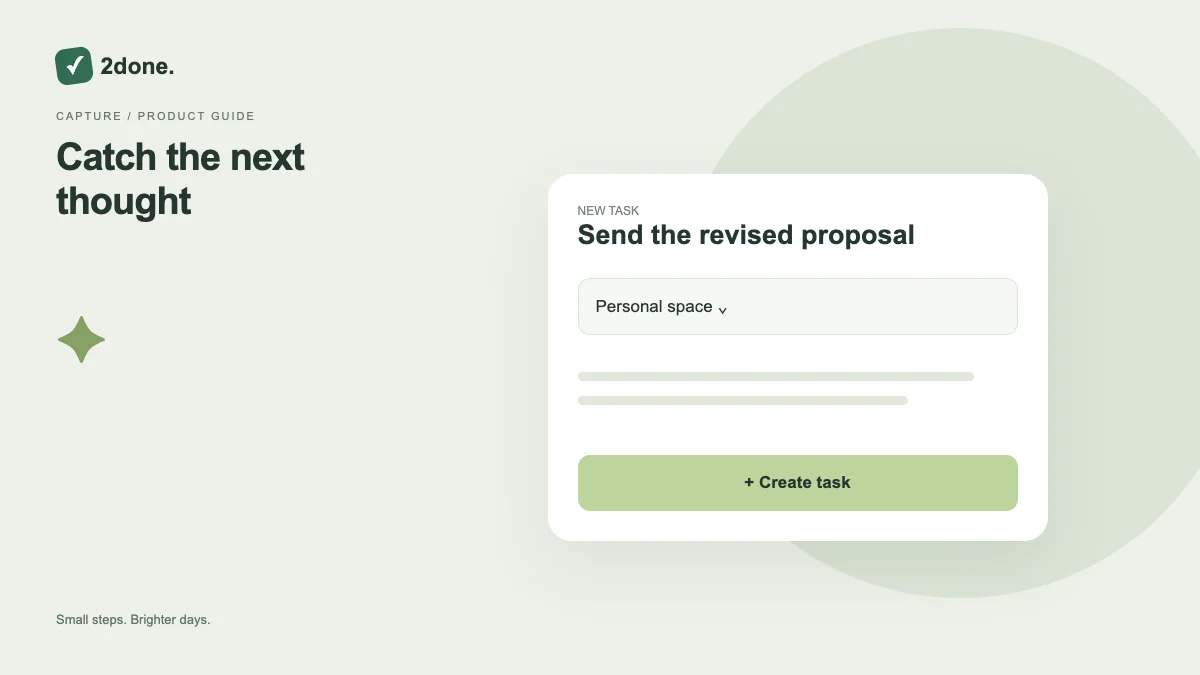
What this feature does
Quick capture records an action before you forget its context. A title identifies the outcome; the description holds supporting details. You choose the space and person responsible before submitting.
How to use it
Open the new-task action. Write a specific title, select the intended space, and check the responsible person. Add details, a deadline or checklist only when useful. Submit once and wait for the task to appear in that space.
A practical example
For “send proposal”, use “Send the revised proposal to Sara” as the title. Put the document location and acceptance criteria in the description rather than creating several indistinguishable tasks.
What to know before you start
Typing in the capture form does not create a shared task. Local drafts are not confirmation of a server save. A deadline and an enabled reminder are also separate settings.
Troubleshooting
If submission fails, keep the entered text and check the connection. Review the space for an existing saved item before retrying, so a slow response does not lead you to create a second task.
Sources & further reading
Keep reading
 Planning
How to plan your day with a task list you can finish
A practical 2Done workflow for capturing tasks, choosing a realistic today list and reviewing unfinished work without losing it.
Read article ↗ How-to guides
Due dates vs reminders: set the right one for each task
Understand deadlines, one-time alerts and recurring reminders in 2Done, with a checklist for notifications that do not arrive.
Read article ↗