Read assistant responses aloud in 2Done
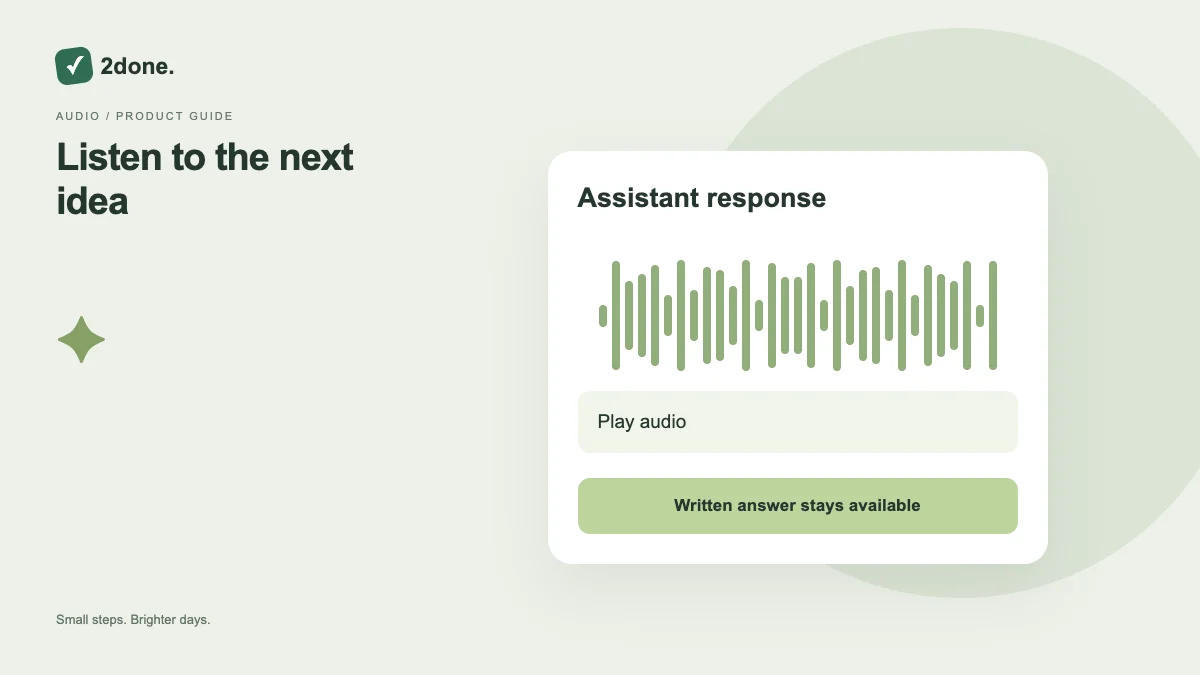
Read-aloud plays a spoken version of an assistant response when the configured speech output is available. It is a listening aid, separate from microphone input and from applying proposed workspace changes.
What this feature does
Read-aloud plays a spoken version of an assistant response when the configured speech output is available. It is a listening aid, separate from microphone input and from applying proposed workspace changes.
How to use it
Open a response and select its reading control. Adjust device volume and stop playback when needed. Check the original text for names, amounts and dates before acting on what you hear.
A practical example
Listen to a planning explanation while reviewing the task list. Return to the written proposal to inspect exact dates and the before-and-after preview before applying changes.
What to know before you start
Audio playback does not make an AI response more accurate or create a task. Availability depends on the configured speech output and device playback support.
Troubleshooting
If playback fails, keep the text response available, check audio and speech settings, and retry once the request completes. Do not submit the whole assistant question again just to hear an existing answer.
Sources & further reading
Keep reading
 Planning
How to plan your day with a task list you can finish
A practical 2Done workflow for capturing tasks, choosing a realistic today list and reviewing unfinished work without losing it.
Read article ↗ How-to guides
Due dates vs reminders: set the right one for each task
Understand deadlines, one-time alerts and recurring reminders in 2Done, with a checklist for notifications that do not arrive.
Read article ↗