Recurring reminders in 2Done: daily and monthly follow-up
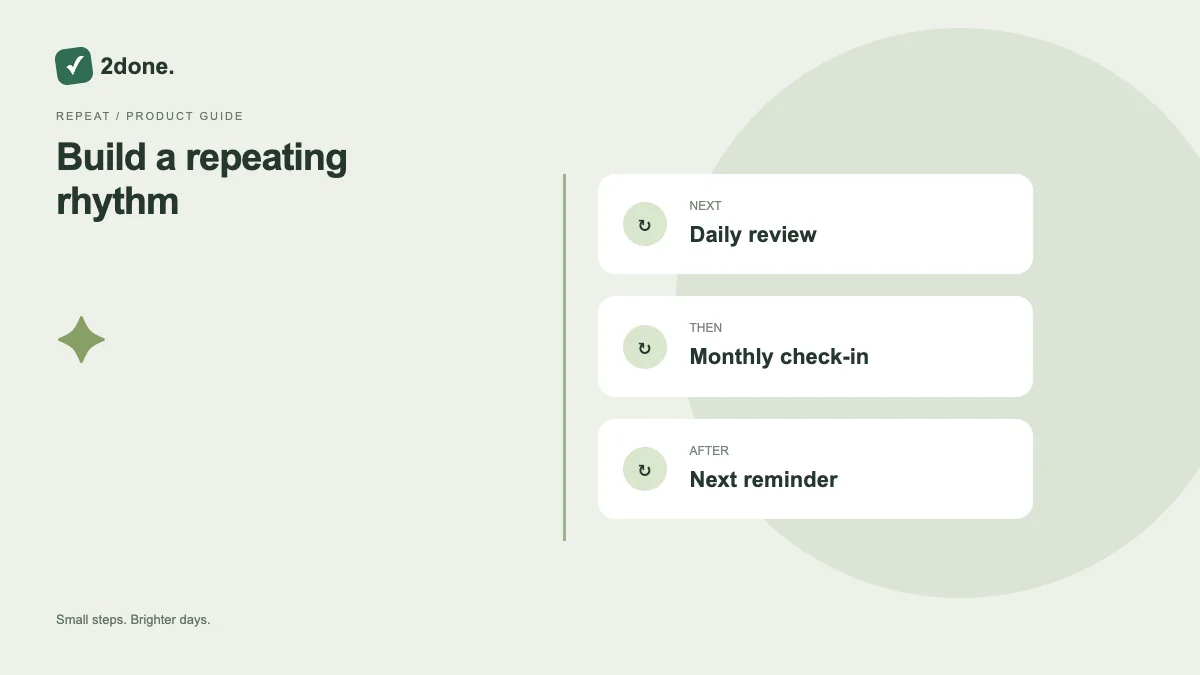
Repeating reminders support recurring follow-up without manually creating a new alert each time. The app offers daily and monthly modes alongside one-time reminders.
What this feature does
Repeating reminders support recurring follow-up without manually creating a new alert each time. The app offers daily and monthly modes alongside one-time reminders.
How to use it
Open reminder controls, enable the reminder and choose daily or monthly. Set the required time and recurrence fields shown by the form. Save, then check the displayed schedule and stop the reminder when the follow-up is no longer needed.
A practical example
Use a daily reminder for a short end-of-day review. Use monthly follow-up for a regular administrative check, with a clearly described task so the prompt still makes sense when it returns.
What to know before you start
Recurring notification is not a guarantee that a fresh task is generated or the old task is reset each period. Review the task status and reminder schedule as separate records.
Troubleshooting
If the repetition seems wrong, inspect the selected mode, time and monthly settings. Disable an obsolete schedule rather than completing unrelated tasks to silence it.
Sources & further reading
Keep reading
 Planning
How to plan your day with a task list you can finish
A practical 2Done workflow for capturing tasks, choosing a realistic today list and reviewing unfinished work without losing it.
Read article ↗ How-to guides
Due dates vs reminders: set the right one for each task
Understand deadlines, one-time alerts and recurring reminders in 2Done, with a checklist for notifications that do not arrive.
Read article ↗