Review AI changes in 2Done: compare before and after before applying
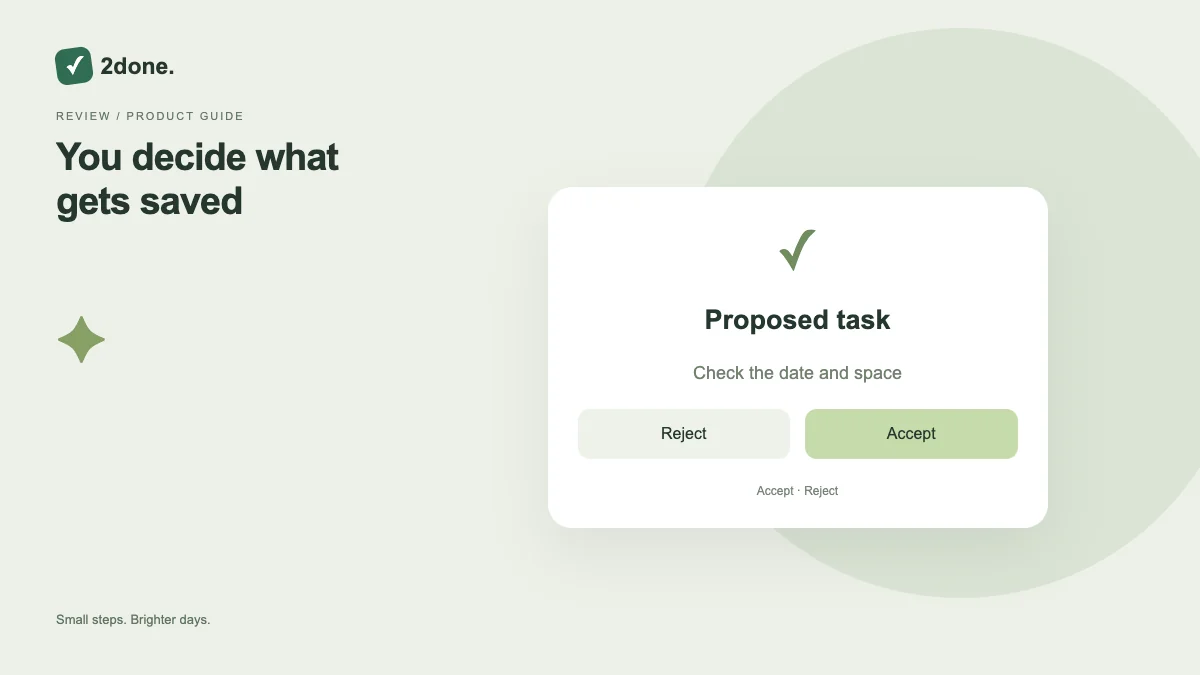
The review workflow presents proposed changes with before-and-after previews. It lets you inspect the target records and edit the proposal before applying it to real tasks, notes or folders.
What this feature does
The review workflow presents proposed changes with before-and-after previews. It lets you inspect the target records and edit the proposal before applying it to real tasks, notes or folders.
How to use it
Open the review linked to the proposal. Inspect each record, person, date and destination. Edit an incorrect operation, save and refresh the preview, then apply only the reviewed revision. Confirm the applied status and updated records.
A practical example
If the assistant proposes moving notes and changing a report deadline, verify both independently. Correct the destination folder without accepting an unrelated deadline simply because they arrived in one proposal.
What to know before you start
A proposal is not an applied change. Access rules still apply, and another person can modify the records while you review them. A stale preview may require refreshing before application.
Troubleshooting
If application fails or reports a conflict, reload current records and compare the proposal again. Keep your intended edits, but do not repeatedly apply an old revision to changed shared work.
Sources & further reading
Keep reading
 Planning
How to plan your day with a task list you can finish
A practical 2Done workflow for capturing tasks, choosing a realistic today list and reviewing unfinished work without losing it.
Read article ↗ How-to guides
Due dates vs reminders: set the right one for each task
Understand deadlines, one-time alerts and recurring reminders in 2Done, with a checklist for notifications that do not arrive.
Read article ↗