Rich-text notes in 2Done: write a structured document
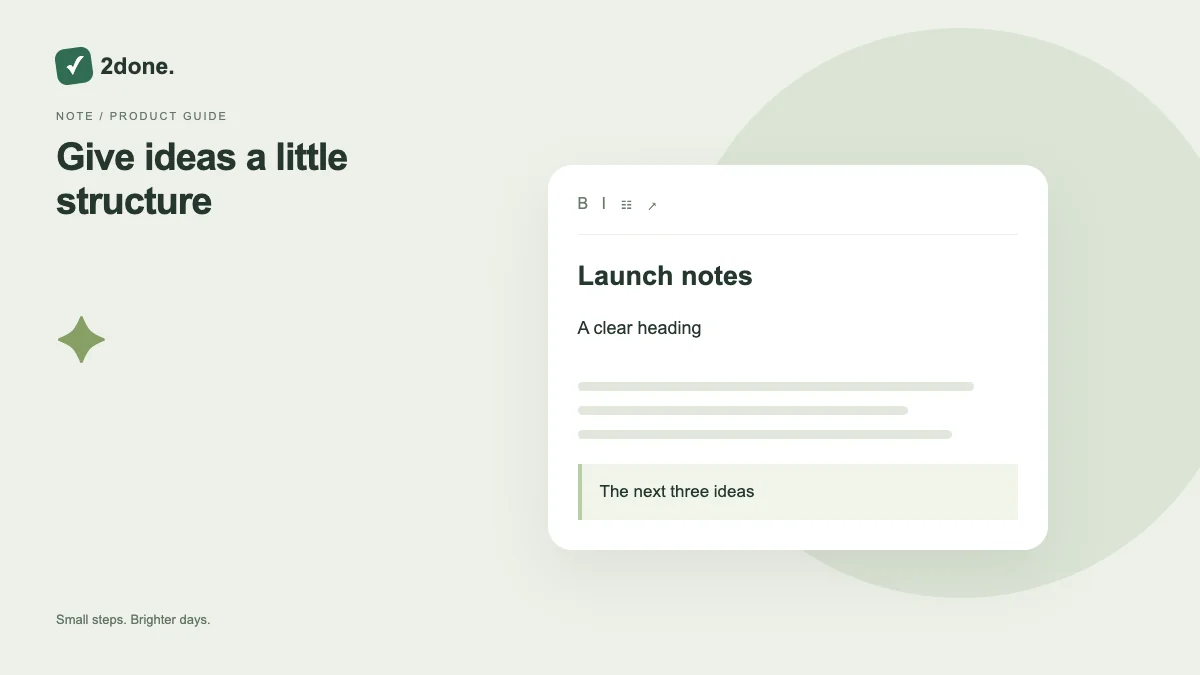
Notes provide an editor for longer writing, with headings, emphasis, lists, quotes and code blocks. This is different from a task description: the note is a document you can return to and edit.
What this feature does
Notes provide an editor for longer writing, with headings, emphasis, lists, quotes and code blocks. This is different from a task description: the note is a document you can return to and edit.
How to use it
Create or open a note in the correct space. Give it a recognizable title, write the content, and select the formatting controls when structure helps. Watch the save indicator and keep the editor open if changes remain unsaved.
A practical example
Use headings for a meeting agenda, a bullet list for discussion points and a numbered list for an ordered process. Create separate tasks for actions that need an owner or deadline.
What to know before you start
Writing autosaves, but a network failure can leave pending changes. A formatted note does not automatically turn its list items into scheduled tasks or reminders.
Troubleshooting
If the editor reports unsaved writing, preserve it and retry after reconnecting. If a recovered draft appears, compare it with the current document before appending it.
Sources & further reading
Keep reading
 Planning
How to plan your day with a task list you can finish
A practical 2Done workflow for capturing tasks, choosing a realistic today list and reviewing unfinished work without losing it.
Read article ↗ How-to guides
Due dates vs reminders: set the right one for each task
Understand deadlines, one-time alerts and recurring reminders in 2Done, with a checklist for notifications that do not arrive.
Read article ↗