Shared spaces in 2Done: organize a team around common work
A shared space groups tasks and notes for people working together. It separates team context from personal work, while membership and roles determine what each person can do.
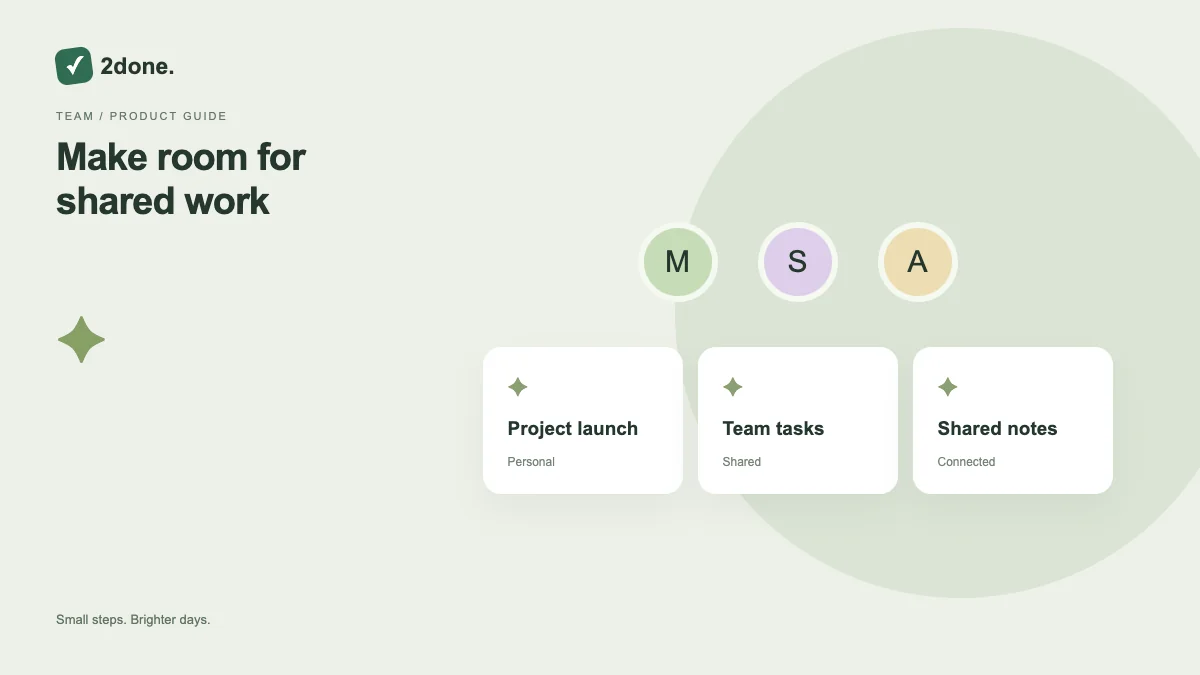
What this feature does
A shared space groups tasks and notes for people working together. It separates team context from personal work, while membership and roles determine what each person can do.
How to use it
Open Spaces, create the shared space with a recognizable name and description, and verify that it was saved. Add the intended members with suitable roles, then select the space before capturing team tasks or notes.
A practical example
Create a “Website launch” space for the launch team. Keep launch tasks and shared meeting notes there, while unrelated personal commitments stay in each person’s private space.
What to know before you start
A shared space is not a public website. Access is still controlled. AI use in a space follows the owner’s AI plan and allowance; ordinary collaboration is a separate part of the free feature set.
Troubleshooting
If a member cannot find work, verify their membership, role and selected space. If creation fails, preserve the name and description and confirm whether a space was already saved before trying again.
Sources & further reading
Keep reading
 Planning
How to plan your day with a task list you can finish
A practical 2Done workflow for capturing tasks, choosing a realistic today list and reviewing unfinished work without losing it.
Read article ↗ How-to guides
Due dates vs reminders: set the right one for each task
Understand deadlines, one-time alerts and recurring reminders in 2Done, with a checklist for notifications that do not arrive.
Read article ↗