Members and roles in 2Done: grant the access people need
Space membership controls who participates in shared work. Roles distinguish access levels, so adding a person and granting them management rights should be deliberate decisions.
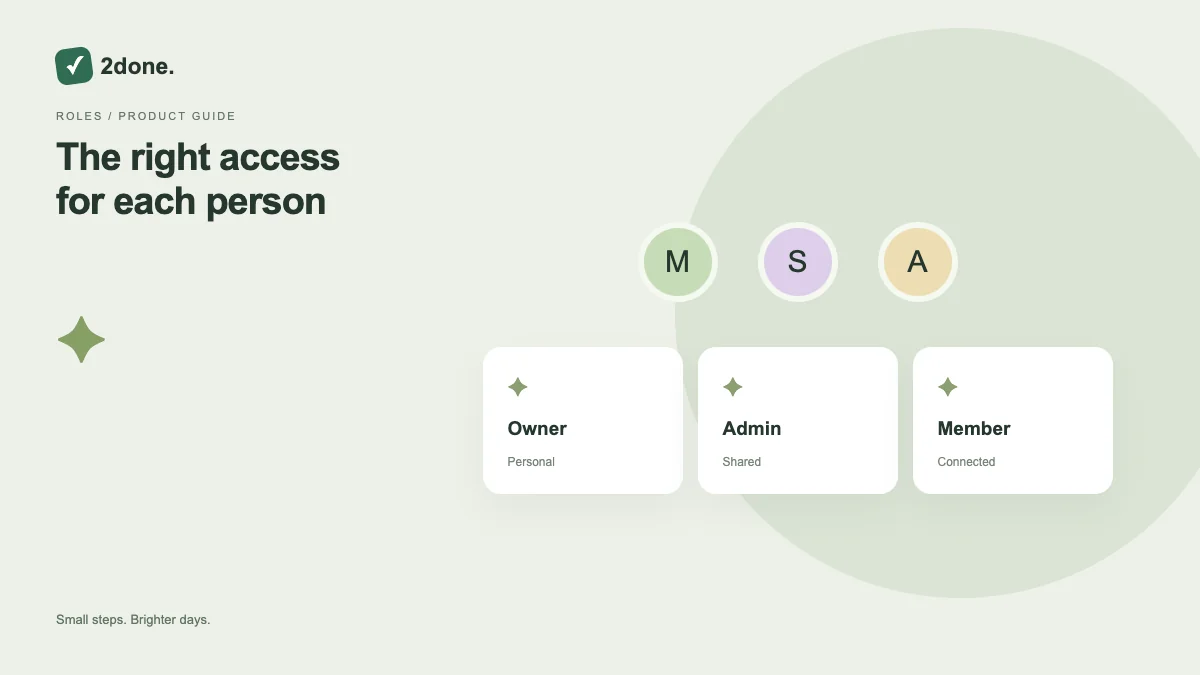
What this feature does
Space membership controls who participates in shared work. Roles distinguish access levels, so adding a person and granting them management rights should be deliberate decisions.
How to use it
Open the shared-space details and its member controls. Add an eligible person, select the role offered by the app, and wait for the change to save. Review the member list before changing a role or removing access.
A practical example
A colleague who only needs to follow progress should not automatically receive the same privileges as the person managing the space. Start with the access required for the actual responsibility.
What to know before you start
The available controls depend on your own role and effective permissions. A member cannot assume they can manage all other members. Removing access does not by itself describe the product’s data-retention policy.
Troubleshooting
If adding or changing a role fails, reload the member list and check your current permissions. Preserve the intended change, but do not repeat it while a previous request is still pending.
Sources & further reading
Keep reading
 Planning
How to plan your day with a task list you can finish
A practical 2Done workflow for capturing tasks, choosing a realistic today list and reviewing unfinished work without losing it.
Read article ↗ How-to guides
Due dates vs reminders: set the right one for each task
Understand deadlines, one-time alerts and recurring reminders in 2Done, with a checklist for notifications that do not arrive.
Read article ↗