Speech settings in 2Done: understand voice input and output configuration
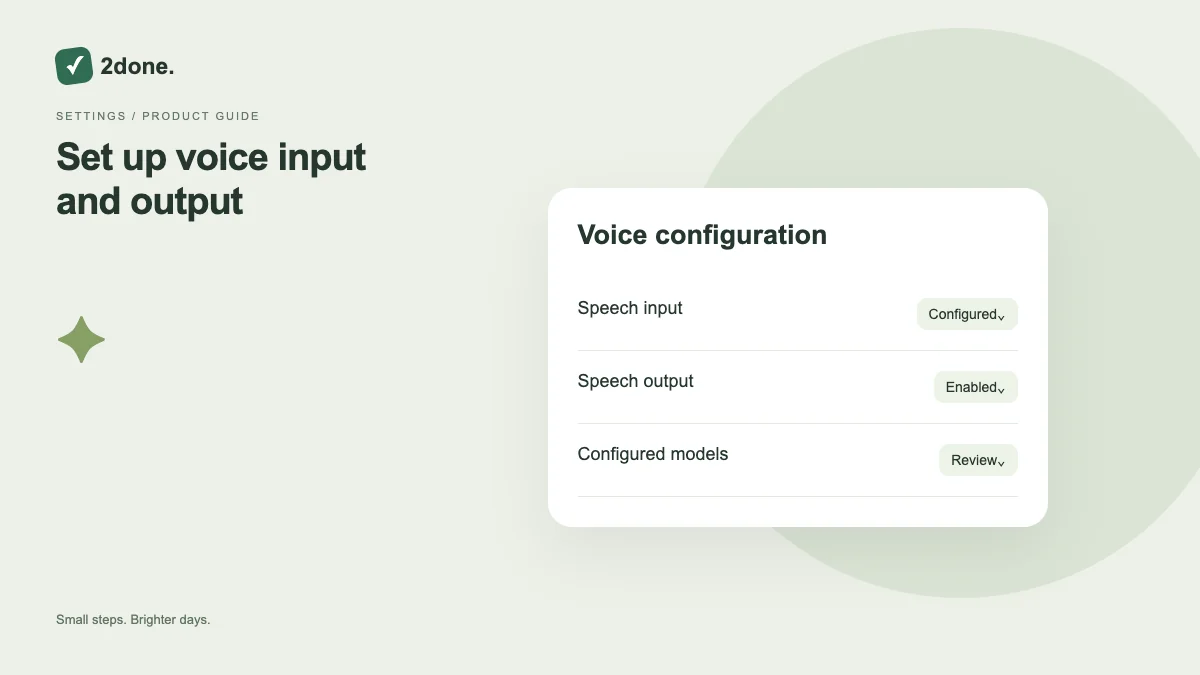
Speech settings control the voice capabilities available through the configured models and enabled options. Administration of a speech service is different from granting microphone permission on your own device.
What this feature does
Speech settings control the voice capabilities available through the configured models and enabled options. Administration of a speech service is different from granting microphone permission on your own device.
How to use it
Open the speech settings page if your role provides access. Review enabled input and output options and their configured models, save a deliberate change, and test the corresponding voice feature afterward.
A practical example
An administrator can review the speech-output configuration when users can dictate but cannot play assistant responses. A user should separately inspect microphone permission when recording cannot start.
What to know before you start
Changing a model or enabled option can affect availability for users. It does not automatically grant device microphone access or make every browser support recording and playback.
Troubleshooting
If a saved setting does not appear to take effect, reload the current configuration and check the relevant feature’s error. Avoid changing several models at once without verifying the outcome of each change.
Sources & further reading
Keep reading
 Planning
How to plan your day with a task list you can finish
A practical 2Done workflow for capturing tasks, choosing a realistic today list and reviewing unfinished work without losing it.
Read article ↗ How-to guides
Due dates vs reminders: set the right one for each task
Understand deadlines, one-time alerts and recurring reminders in 2Done, with a checklist for notifications that do not arrive.
Read article ↗