Task activity history in 2Done: review what changed
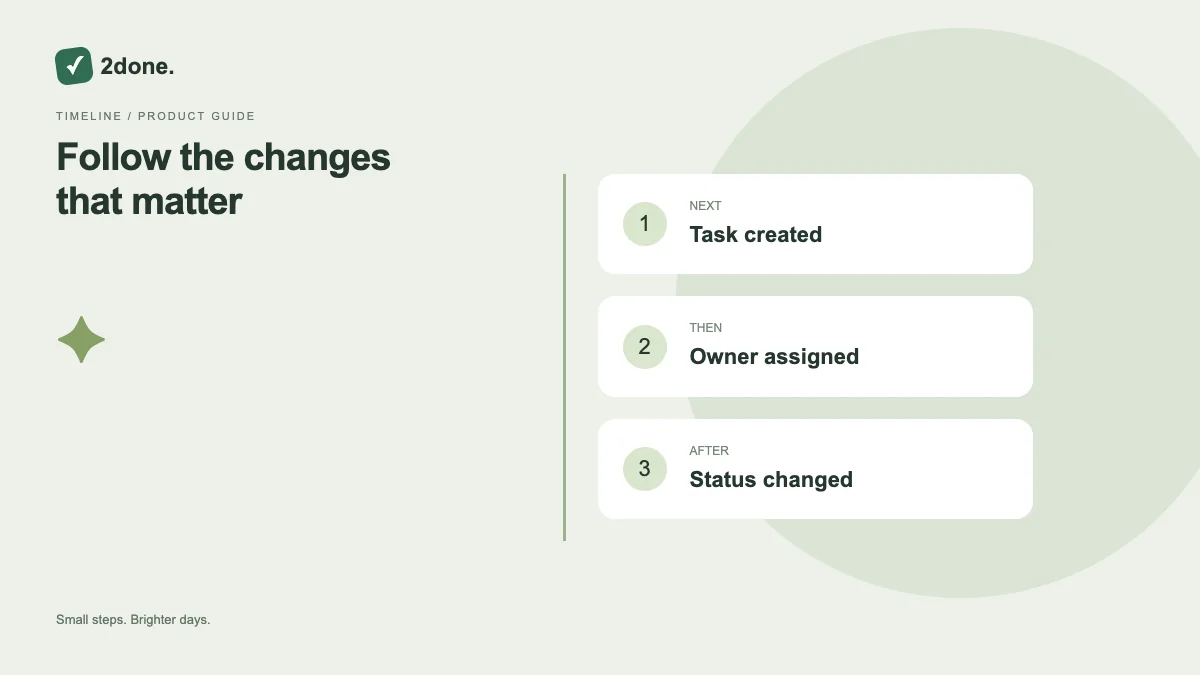
The activity view presents recorded task changes so you can understand how the current state was reached. It is especially useful when several people update the same shared task.
What this feature does
The activity view presents recorded task changes so you can understand how the current state was reached. It is especially useful when several people update the same shared task.
How to use it
Open the task and its activity section. Read the recent entries in context, then load earlier entries when needed. Compare the history with the current title, status and responsible person before deciding on a correction.
A practical example
If a report moved from in progress to done, inspect the activity and discussion before reopening it. The change may reflect a completed handoff that was not obvious in the summary card.
What to know before you start
Activity is a product history view, not a promise of a complete compliance archive, automatic rollback or an accounting-grade audit report. Use the entries that are actually shown.
Troubleshooting
If a recent change is absent, reload the current task and activity. Do not assume a missing or delayed entry grants permission to overwrite another person’s work.
Sources & further reading
Keep reading
 Planning
How to plan your day with a task list you can finish
A practical 2Done workflow for capturing tasks, choosing a realistic today list and reviewing unfinished work without losing it.
Read article ↗ How-to guides
Due dates vs reminders: set the right one for each task
Understand deadlines, one-time alerts and recurring reminders in 2Done, with a checklist for notifications that do not arrive.
Read article ↗