Task checklists in 2Done: turn one outcome into visible steps
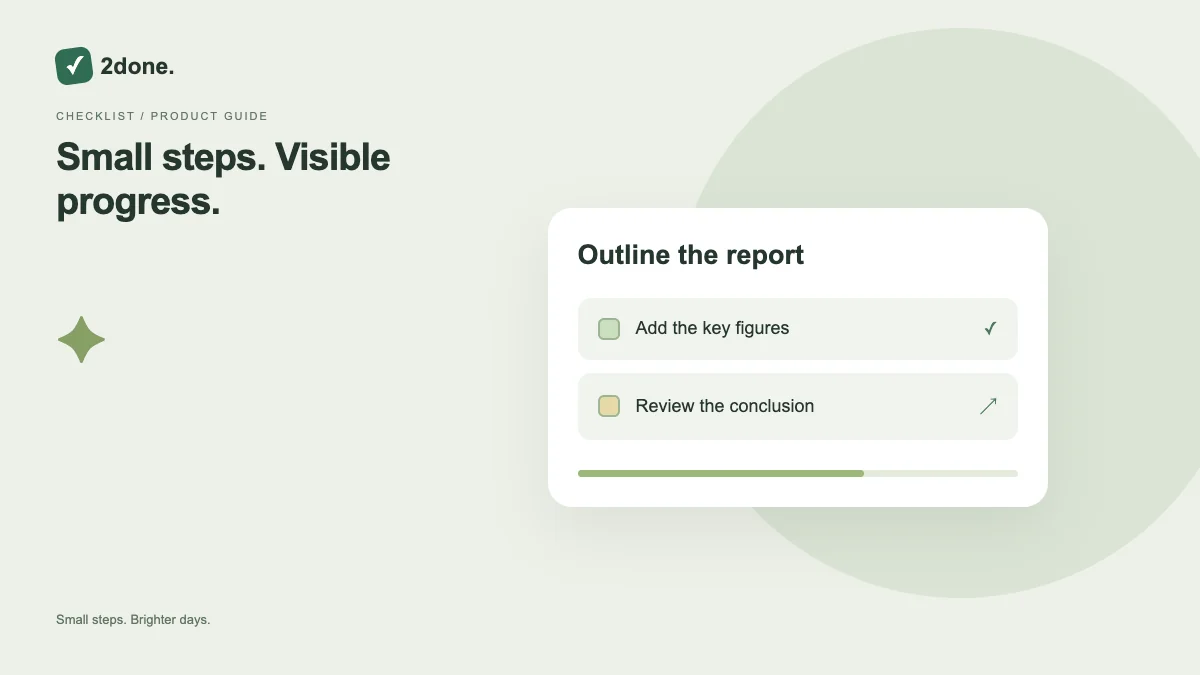
A checklist divides a task into smaller steps with individual completion states. Its progress indicator summarizes checked steps, while the parent task remains the action you are trying to finish.
What this feature does
A checklist divides a task into smaller steps with individual completion states. Its progress indicator summarizes checked steps, while the parent task remains the action you are trying to finish.
How to use it
Add a checklist when creating a task or open its checklist controls. Write one verifiable action per line. Check a step after completing it, and review the full list before marking the parent task finished.
A practical example
For a report, use “Collect figures”, “Write summary” and “Send for review”. Three checked steps mean those listed steps are done; they do not prove that an unlisted approval has happened.
What to know before you start
Checklist progress depends on the steps you created. It is not an automatic measurement of effort, quality or hours. Changing the list can change the percentage without new work being performed.
Troubleshooting
If a checkbox update fails, wait for the error state and reload the current checklist. Avoid checking repeatedly while another save is pending, especially in a shared space.
Sources & further reading
Keep reading
 Planning
How to plan your day with a task list you can finish
A practical 2Done workflow for capturing tasks, choosing a realistic today list and reviewing unfinished work without losing it.
Read article ↗ How-to guides
Due dates vs reminders: set the right one for each task
Understand deadlines, one-time alerts and recurring reminders in 2Done, with a checklist for notifications that do not arrive.
Read article ↗