Task comments in 2Done: keep the discussion beside the work
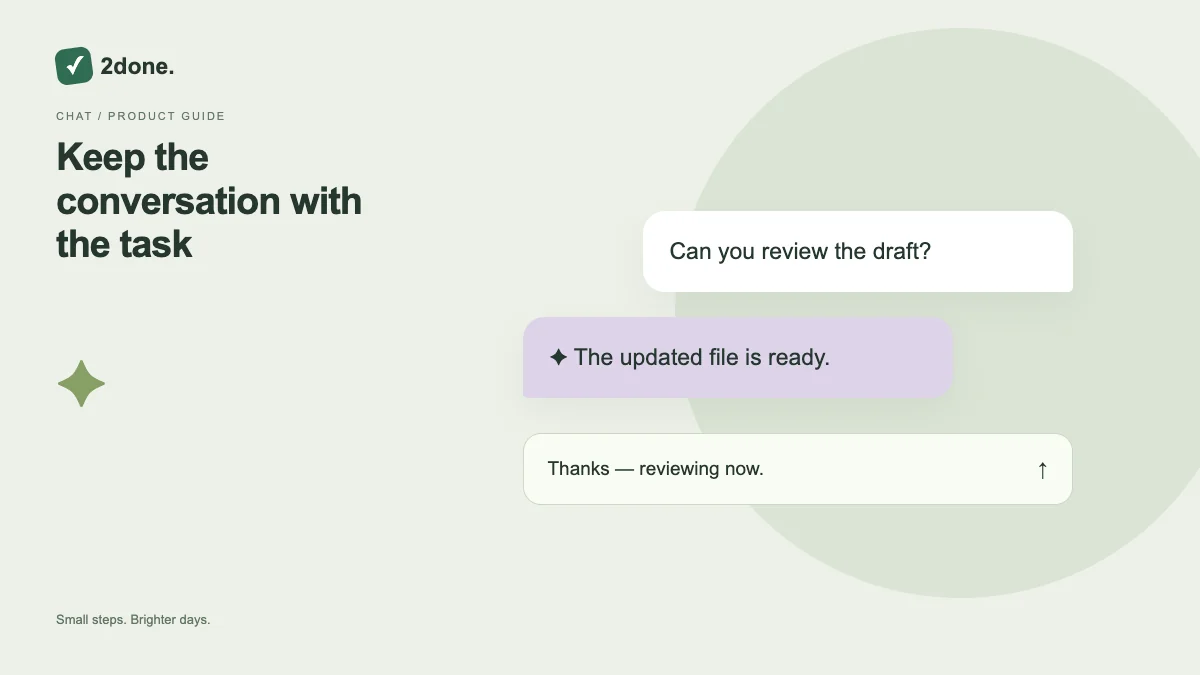
Comments attach discussion to the task it concerns. They are useful for clarifying the brief, reporting a blocker or recording a handoff without replacing the current task description.
What this feature does
Comments attach discussion to the task it concerns. They are useful for clarifying the brief, reporting a blocker or recording a handoff without replacing the current task description.
How to use it
Open task details, read the existing discussion, write a focused comment and submit once. Confirm it appears before closing. Update the task itself separately if the conversation changes its owner, deadline or status.
A practical example
Write “The figures are ready; the final approval is still pending” on the report task. The next person can understand the blocker without searching through a separate chat.
What to know before you start
Posting a comment does not automatically complete the task or reschedule its reminder. Comments also remain subject to the space’s access rules; avoid treating a shared discussion as private messaging.
Troubleshooting
If the comment does not appear, inspect the error and connection, then reload the discussion before resubmitting. This helps distinguish a failed save from a delayed response.
Sources & further reading
Keep reading
 Planning
How to plan your day with a task list you can finish
A practical 2Done workflow for capturing tasks, choosing a realistic today list and reviewing unfinished work without losing it.
Read article ↗ How-to guides
Due dates vs reminders: set the right one for each task
Understand deadlines, one-time alerts and recurring reminders in 2Done, with a checklist for notifications that do not arrive.
Read article ↗