Task descriptions in 2Done: keep the brief beside the action
A task description keeps the instructions and context attached to a clear action title. It is useful for acceptance criteria, document locations and facts the responsible person needs to finish the task.
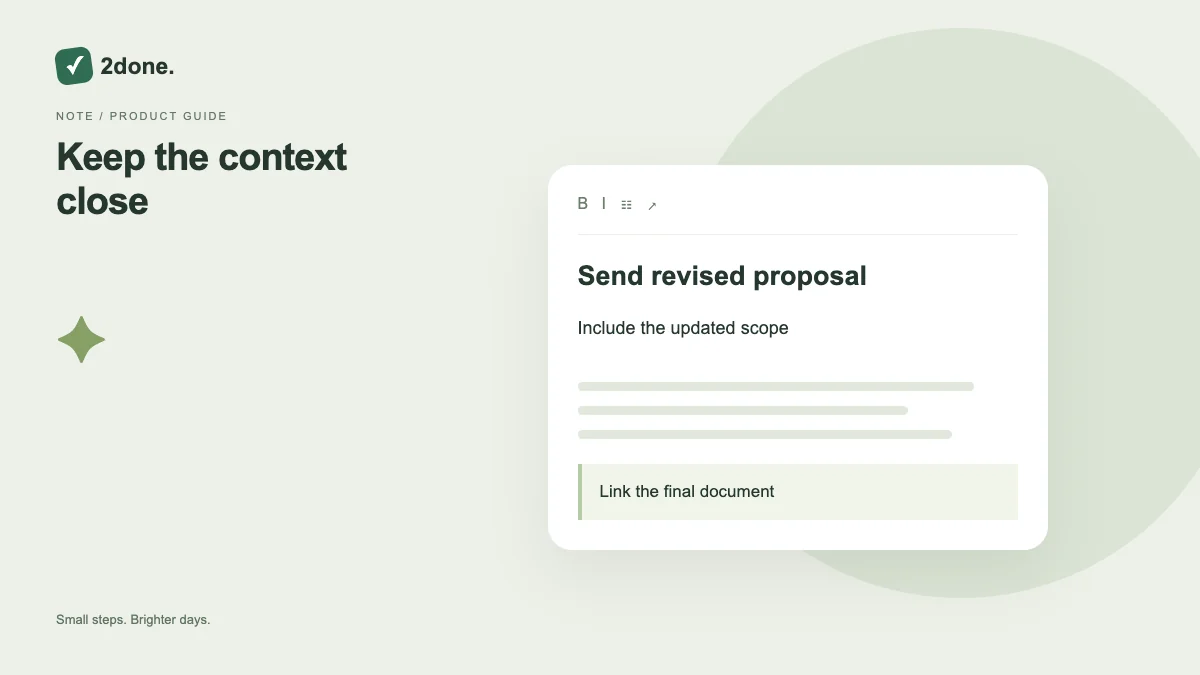
What this feature does
A task description keeps the instructions and context attached to a clear action title. It is useful for acceptance criteria, document locations and facts the responsible person needs to finish the task.
How to use it
Open the task details and edit the description if you have permission. Keep the title short and action-oriented. Save the edited record and verify the result before closing or handing the task to a colleague.
A practical example
For “Prepare the launch email”, describe the audience, required links and review deadline. Use the checklist for the separate steps, rather than embedding all progress tracking in a long paragraph.
What to know before you start
A description is not a reminder, a comment thread or a live note document. Choose the corresponding feature when you need scheduled alerts, discussion or long-form collaborative writing.
Troubleshooting
If another person changed the task while you were editing, reload the current record and compare your intended changes. Do not repeatedly overwrite the newest brief from an old screen.
Sources & further reading
Keep reading
 Planning
How to plan your day with a task list you can finish
A practical 2Done workflow for capturing tasks, choosing a realistic today list and reviewing unfinished work without losing it.
Read article ↗ How-to guides
Due dates vs reminders: set the right one for each task
Understand deadlines, one-time alerts and recurring reminders in 2Done, with a checklist for notifications that do not arrive.
Read article ↗