Due dates in 2Done: set a real deadline with the right time
A due date records when a task should be completed. The date-time picker lets you choose the date and time explicitly instead of relying on an ambiguous phrase in the task title.
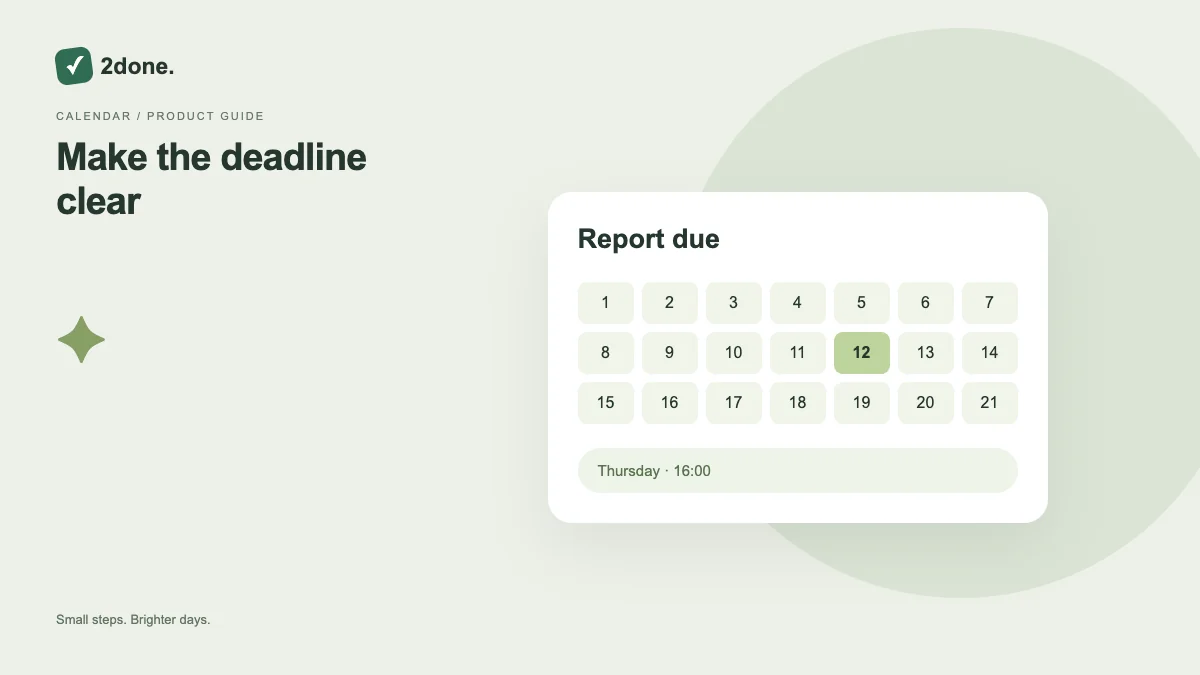
What this feature does
A due date records when a task should be completed. The date-time picker lets you choose the date and time explicitly instead of relying on an ambiguous phrase in the task title.
How to use it
Open the due-date field, choose the calendar date and time, and check the displayed result before saving. For an existing task, confirm the changed deadline in its details after the request succeeds.
A practical example
If a report must be delivered Friday at 16:00, record that actual deadline. If you merely intend to start it Wednesday, keep that intention separate from the final delivery time.
What to know before you start
A due date alone does not send an alert. Enable and save the reminder separately when you need a notification. Displayed dates should be checked in your current device and locale context.
Troubleshooting
If a task appears overdue unexpectedly, inspect both its saved time and your device’s time settings. Correct the deadline explicitly rather than repeatedly moving the task between views.
Sources & further reading
Keep reading
 Planning
How to plan your day with a task list you can finish
A practical 2Done workflow for capturing tasks, choosing a realistic today list and reviewing unfinished work without losing it.
Read article ↗ How-to guides
Due dates vs reminders: set the right one for each task
Understand deadlines, one-time alerts and recurring reminders in 2Done, with a checklist for notifications that do not arrive.
Read article ↗