Task priority in 2Done: separate importance from the deadline
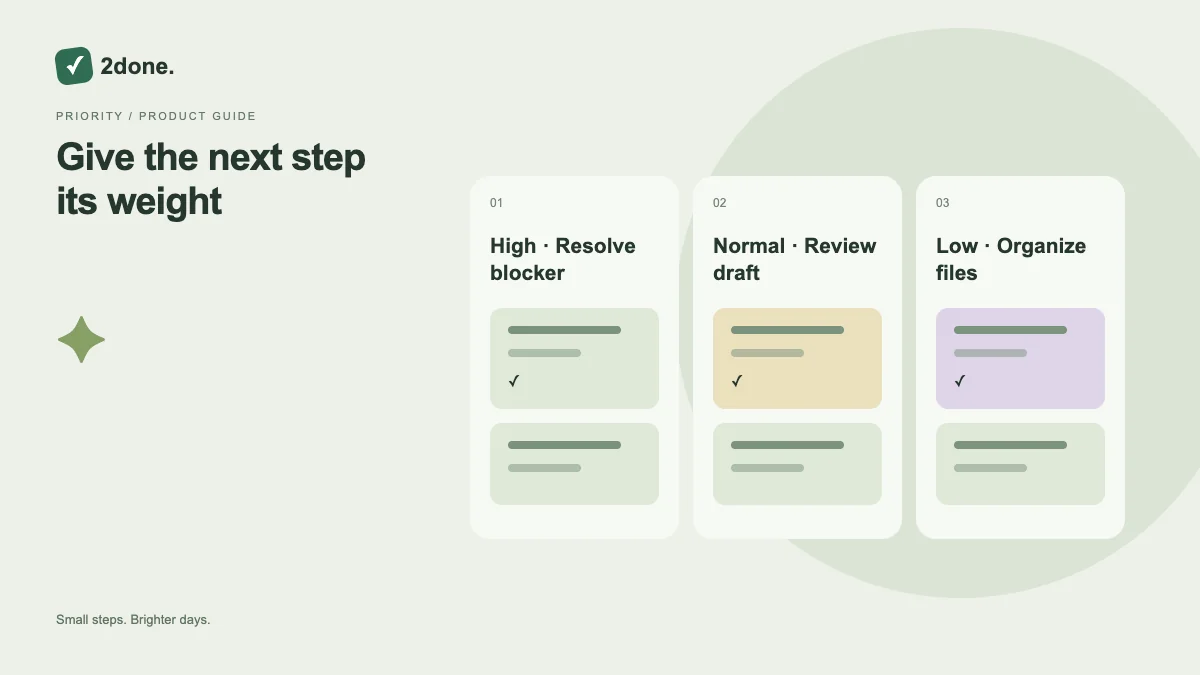
Priority records how important a task is within the current work. It helps you discuss attention without using an artificial due date to make every item look urgent.
What this feature does
Priority records how important a task is within the current work. It helps you discuss attention without using an artificial due date to make every item look urgent.
How to use it
Set the priority when creating a task or edit it in task details. Compare it with the actual deadline, responsible person and unfinished work. Save the change and make your next action explicit.
A practical example
A client issue may deserve higher attention than a routine cleanup even when both are due tomorrow. Keep the deadline factual and use priority to communicate the difference.
What to know before you start
Priority does not enable an alert or reserve time in a calendar. A task still needs a reminder setting for scheduled notification and a clear owner for accountability.
Troubleshooting
If everything has the highest priority, review the list with the team. Change only the items whose relative importance has changed and verify each saved update.
Sources & further reading
Keep reading
 Planning
How to plan your day with a task list you can finish
A practical 2Done workflow for capturing tasks, choosing a realistic today list and reviewing unfinished work without losing it.
Read article ↗ How-to guides
Due dates vs reminders: set the right one for each task
Understand deadlines, one-time alerts and recurring reminders in 2Done, with a checklist for notifications that do not arrive.
Read article ↗