Task search and filters in 2Done: find work in the selected space
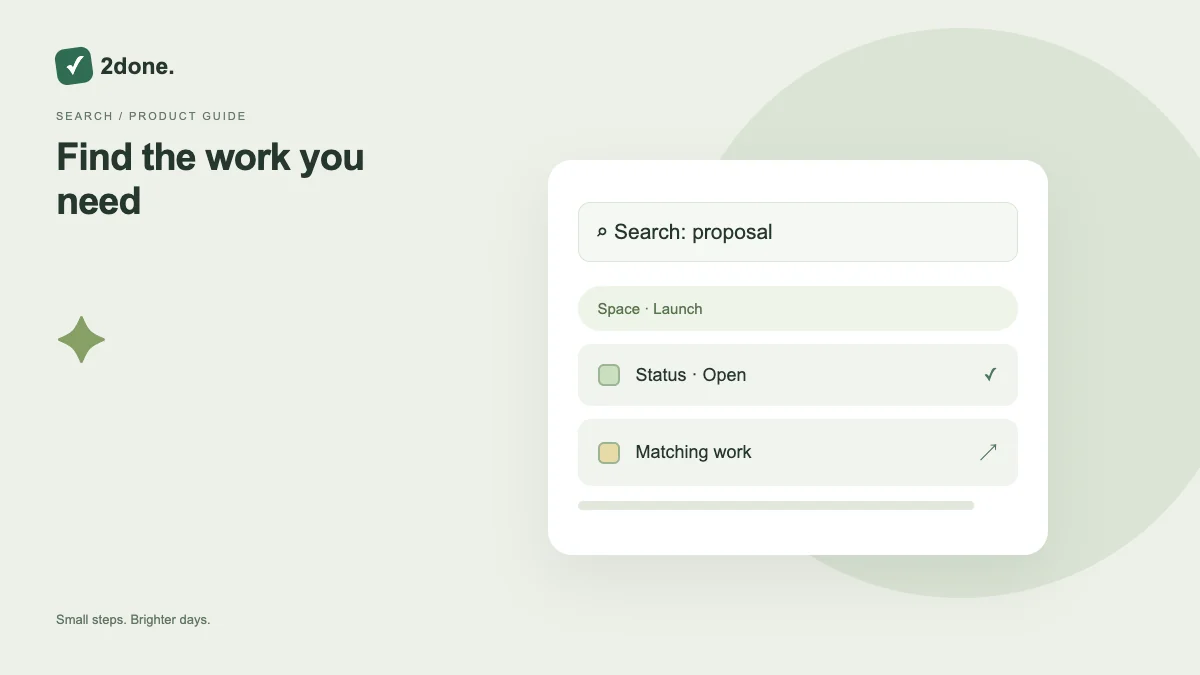
Text search and status or responsibility filters narrow the task collection you are viewing. They help locate work while keeping the workspace context explicit.
What this feature does
Text search and status or responsibility filters narrow the task collection you are viewing. They help locate work while keeping the workspace context explicit.
How to use it
Select the correct space and task view. Enter a distinctive title or description phrase, then adjust the available filters. Open the result to verify its owner, deadline and full description before editing it.
A practical example
Searching “proposal” in the client space may be useful, but several results can match. Use a client name or specific phrase and inspect details instead of changing the first similarly titled task.
What to know before you start
Local task-list search and AI workspace questions are different features. Search respects the records and access available in the selected view; it does not reveal private work from another space.
Troubleshooting
When results are unexpectedly empty, clear the text and filters, confirm the space, and reload. Check an item’s current title if a teammate recently renamed it.
Sources & further reading
Keep reading
 Planning
How to plan your day with a task list you can finish
A practical 2Done workflow for capturing tasks, choosing a realistic today list and reviewing unfinished work without losing it.
Read article ↗ How-to guides
Due dates vs reminders: set the right one for each task
Understand deadlines, one-time alerts and recurring reminders in 2Done, with a checklist for notifications that do not arrive.
Read article ↗