Task status in 2Done: move from open work to completion
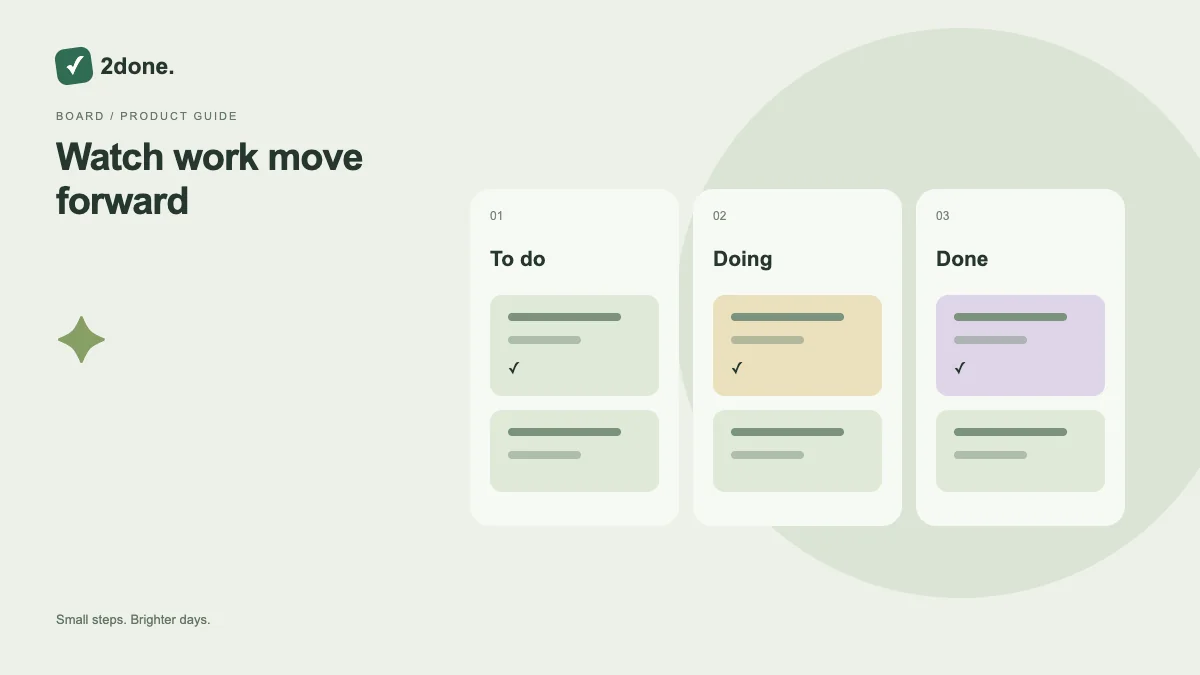
Status describes whether work is still open, being worked on or finished. Changing it updates the shared record, so a completed item can move out of an active-work filter without being deleted.
What this feature does
Status describes whether work is still open, being worked on or finished. Changing it updates the shared record, so a completed item can move out of an active-work filter without being deleted.
How to use it
Open the task or use its quick controls. Start work when you actually begin, then mark it completed when the stated outcome is met. Wait for the update to finish before making another conflicting change.
A practical example
Begin “Review the draft” when the review starts. Complete it after the feedback is delivered, not simply after opening the file. If the outcome is incomplete, keep the task active.
What to know before you start
Completing a task and deleting a task are different actions. Status does not prove that a checklist or external document was reviewed; use the task brief to decide what done means.
Troubleshooting
If a task disappears after completion, look in the completed filter. If an update fails or conflicts with another editor, reload the record and confirm its latest status before retrying.
Sources & further reading
Keep reading
 Planning
How to plan your day with a task list you can finish
A practical 2Done workflow for capturing tasks, choosing a realistic today list and reviewing unfinished work without losing it.
Read article ↗ How-to guides
Due dates vs reminders: set the right one for each task
Understand deadlines, one-time alerts and recurring reminders in 2Done, with a checklist for notifications that do not arrive.
Read article ↗