Card, list and table views in 2Done: choose how to review tasks
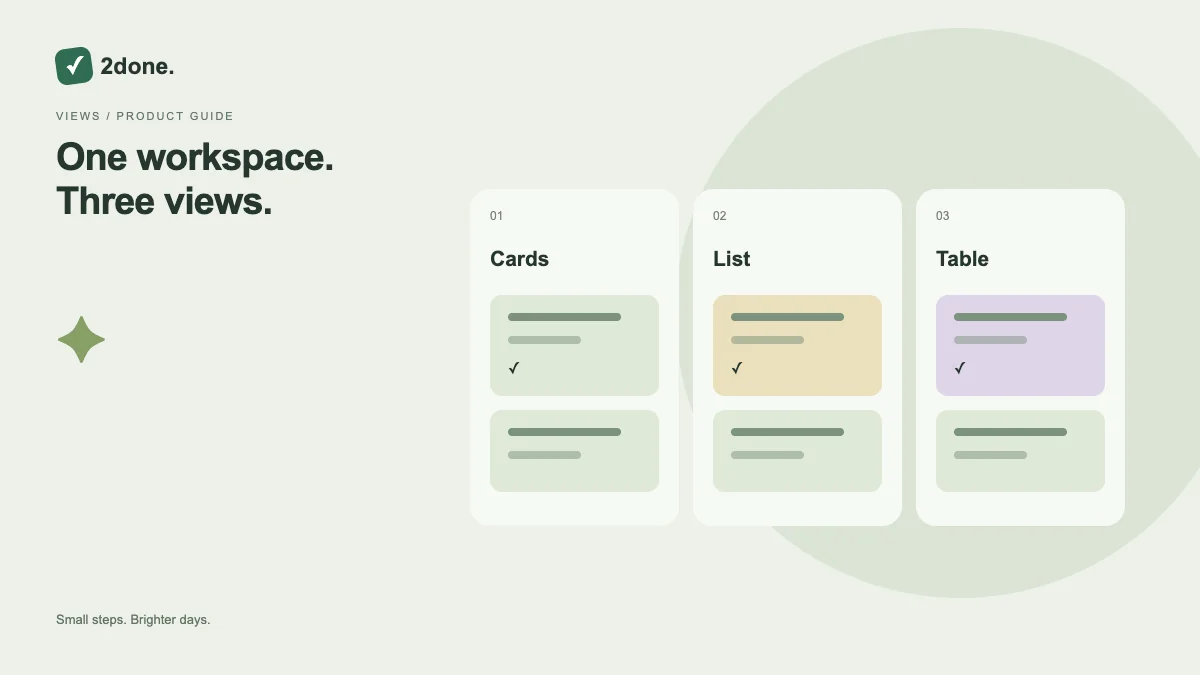
2Done offers presentation modes for the same task records. Cards emphasize individual items, lists favor compact scanning, and tables support comparing several fields across tasks.
What this feature does
2Done offers presentation modes for the same task records. Cards emphasize individual items, lists favor compact scanning, and tables support comparing several fields across tasks.
How to use it
Use the view toggle above the current task collection. Choose cards for a focused review, list for a shorter overview, or table when comparing ownership and other visible columns. Retain your search and space context while checking the result.
A practical example
During a weekly review, switch to a table to compare multiple tasks. Return to cards when opening a single task and deciding its next action. The underlying work does not need to be copied.
What to know before you start
A presentation switch is not a status change or a permission change. Smaller screens may fit fewer columns; open task details when the condensed view does not show enough context.
Troubleshooting
If a field appears absent after switching views, open the task rather than assuming its value was erased. Clear active filters before comparing the record counts between views.
Sources & further reading
Keep reading
 Planning
How to plan your day with a task list you can finish
A practical 2Done workflow for capturing tasks, choosing a realistic today list and reviewing unfinished work without losing it.
Read article ↗ How-to guides
Due dates vs reminders: set the right one for each task
Understand deadlines, one-time alerts and recurring reminders in 2Done, with a checklist for notifications that do not arrive.
Read article ↗