The Today view in 2Done: review due work without losing the backlog
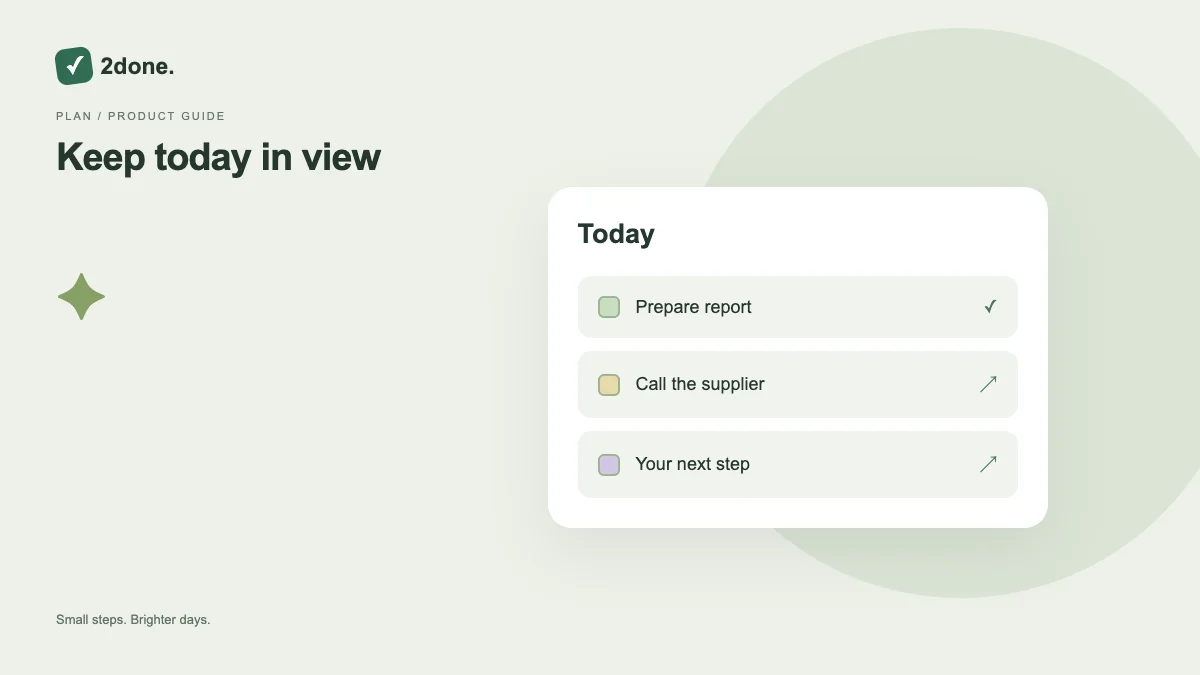
Today is a focused view of the selected workspace, with filters for your active work, work in progress, delegated items and completed tasks. It helps you distinguish immediate follow-up from the wider task list.
What this feature does
Today is a focused view of the selected workspace, with filters for your active work, work in progress, delegated items and completed tasks. It helps you distinguish immediate follow-up from the wider task list.
How to use it
Open Today, confirm the selected space, and choose the appropriate status or responsibility filter. Read deadlines before starting work. Use the complete task view when looking for an item outside the current day.
A practical example
At the start of a workday, inspect active tasks and overdue commitments. After handing a report to another person, check the delegated filter instead of assuming it remains in your own active list.
What to know before you start
Today is a view of stored records, not a new copy of each task. Do not treat every visible item as a promise that it can be completed today; prioritize against your available time.
Troubleshooting
When Today seems empty, clear search and status filters, verify the space, and check All tasks. Date and ownership filters can hide an existing item without deleting it.
Sources & further reading
Keep reading
 Planning
How to plan your day with a task list you can finish
A practical 2Done workflow for capturing tasks, choosing a realistic today list and reviewing unfinished work without losing it.
Read article ↗ How-to guides
Due dates vs reminders: set the right one for each task
Understand deadlines, one-time alerts and recurring reminders in 2Done, with a checklist for notifications that do not arrive.
Read article ↗