Gift trial tokens in 2Done: activate a one-time AI trial
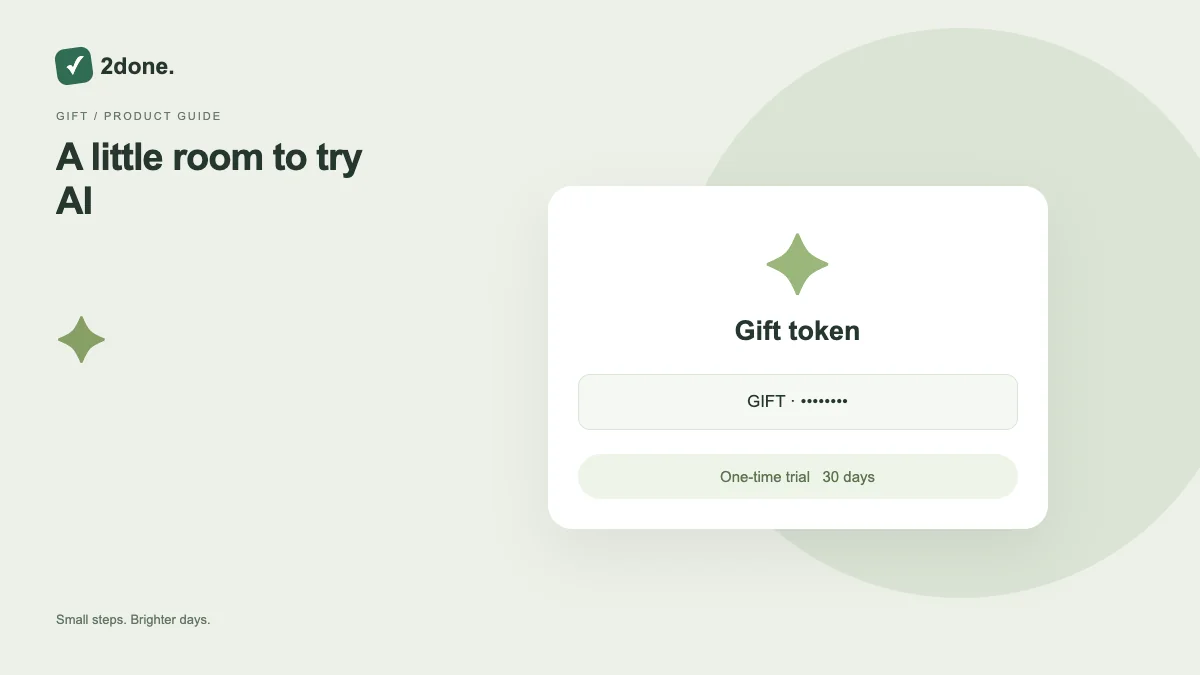
An eligible new signup can redeem a gift token for a one-time 30-day AI trial. A token may be shared with multiple eligible people up to its configured use limit.
What this feature does
An eligible new signup can redeem a gift token for a one-time 30-day AI trial. A token may be shared with multiple eligible people up to its configured use limit.
How to use it
Open Plans, enter the gift token and activate it. Wait for the trial-active confirmation and review the response allowance displayed in your account.
A practical example
An operator can issue a token for a limited signup campaign. Each eligible person redeems it once; a shared token stops working when its configured capacity is reached.
What to know before you start
The trial is once per eligible new signup. Tokens can be invalid, expired or exhausted. Ordinary app features do not require a gift token.
Troubleshooting
If activation fails, check spelling and the returned eligibility or expiry message. Ask the issuer to verify remaining capacity instead of creating multiple accounts to retry.
Sources & further reading
Keep reading
 Planning
How to plan your day with a task list you can finish
A practical 2Done workflow for capturing tasks, choosing a realistic today list and reviewing unfinished work without losing it.
Read article ↗ How-to guides
Due dates vs reminders: set the right one for each task
Understand deadlines, one-time alerts and recurring reminders in 2Done, with a checklist for notifications that do not arrive.
Read article ↗