Note taking
Take notes you can find again.
Take and organize notes in 2Done Notebook. Write rich-text notes, create folders, and collaborate in shared spaces.
Open Notebook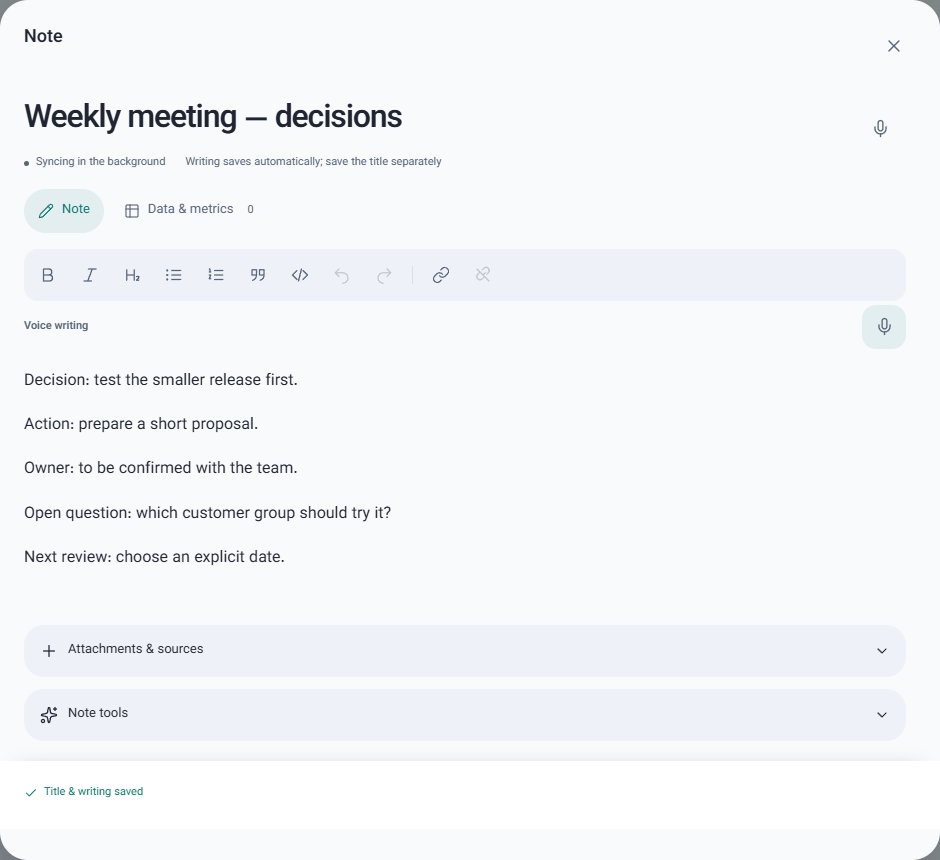
How it works
Write your first note
Give the note a useful title, then use headings, checklists or tables to organize the details as they grow.
Organize notes in folders
Group related notes in folders by project, client or topic. Put reference links beside the relevant notes.
Write together
Keep a private notebook for your own work, or collaborate on shared notes with teammates in a shared space.
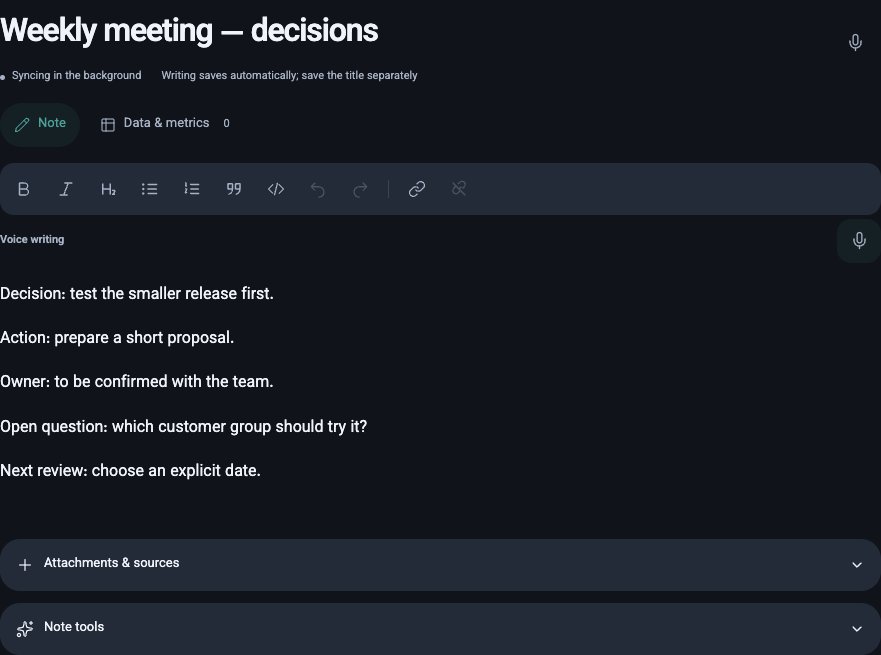
A meeting note you can act on
Give decisions, open questions and follow-ups their own headings. Add the source links under the relevant decision and turn each follow-up into a task.
Can multiple people work on a note?
Yes. Teammates with the required access can collaborate on notes in a shared space.