Create short videos from text or images.
Create short AI videos in 2Done Studio from text or a reference image. Choose a portrait or landscape frame and download the finished clip.
Open Studio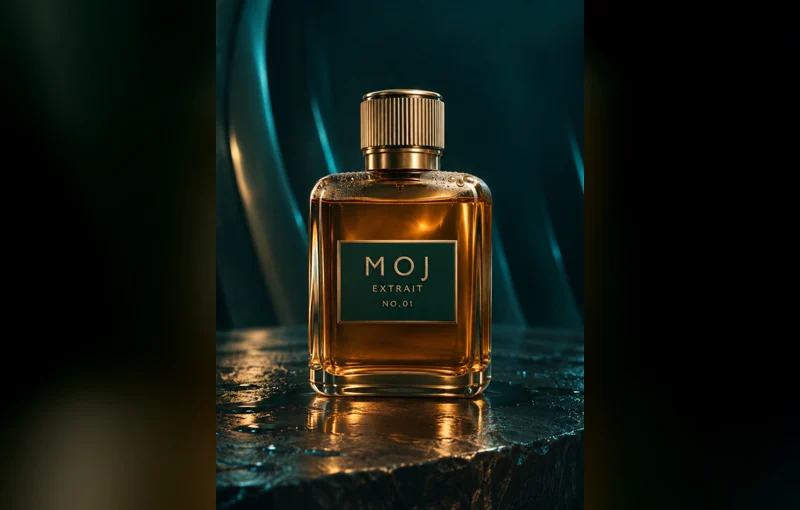
How it works
Describe the shot
In Studio, choose the Video skill and describe what should move and how the camera should follow it. Add a reference image to give the shot a visual starting point.
Set the format
Choose a portrait frame for a story or a landscape frame for a presentation. Duration and reference options depend on the available model.
Preview the clip
Watch the generated video in the conversation, then download the MP4 or find the saved clip in your Studio library.
A six-second product reveal
Create a six-second clip that starts with a close-up of the product on a desk. Slowly pull back as morning light crosses the surface. Keep the shot steady and composed for a vertical story.
What do I need to generate a video?
You need access to a supported Studio video model and enough AI credit for the request. The model determines available durations and whether it accepts a reference image.